
AUTOMATION PLATFORM ...
 WHMCS PROVISION MODULE
Automate Hetzner Storage Box backup accounts in WHMCS. Enable your clients to monitor disk usage, create sub-accounts, configure Samba/WebDAV protocols, and manage snapshots.
Automate Hetzner Storage Box cloud backup accounts in WHMCS. Give clients full control over password resets, sub-accounts, protocols, and snapshots.
Hetzner Storage Box management UI, protocol settings, and sub-account controls.
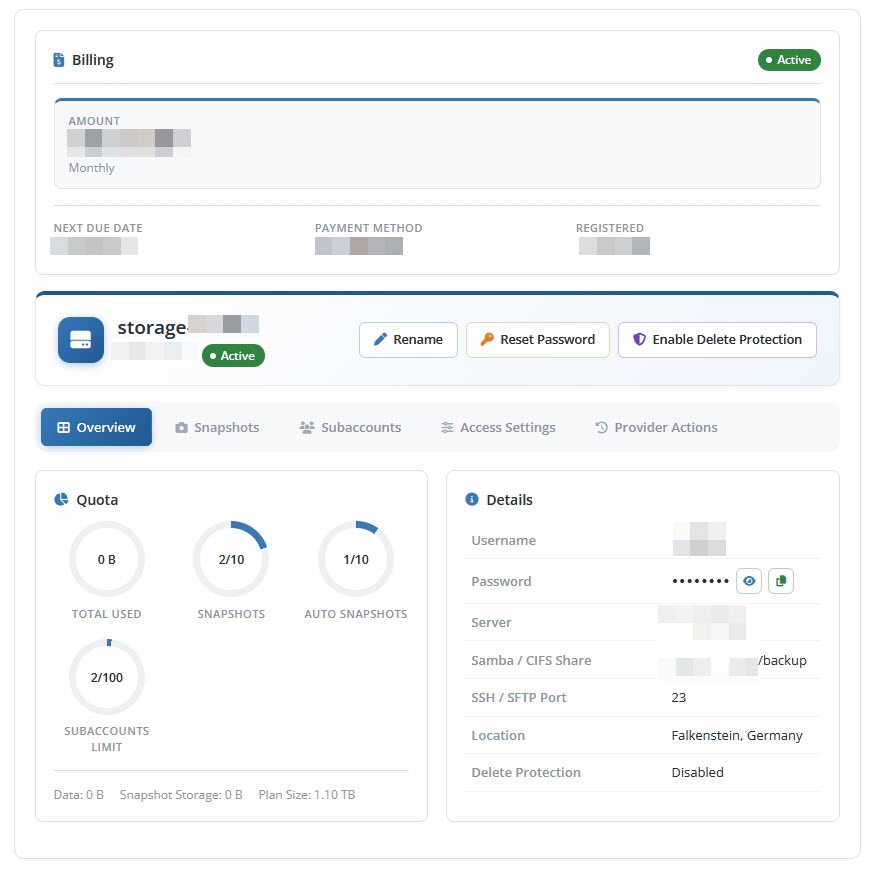
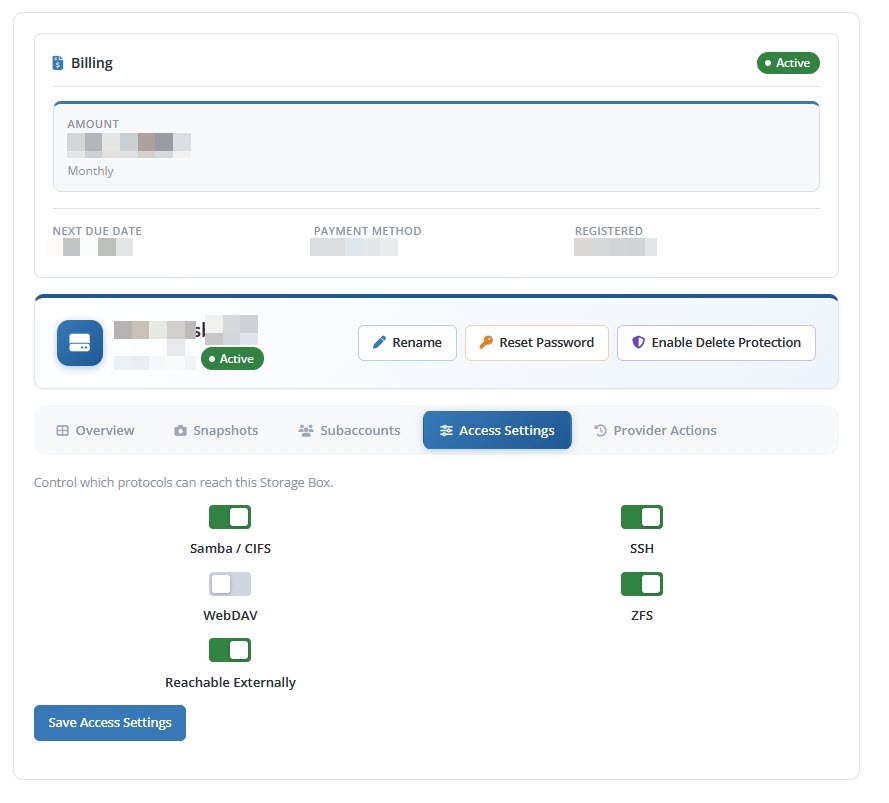
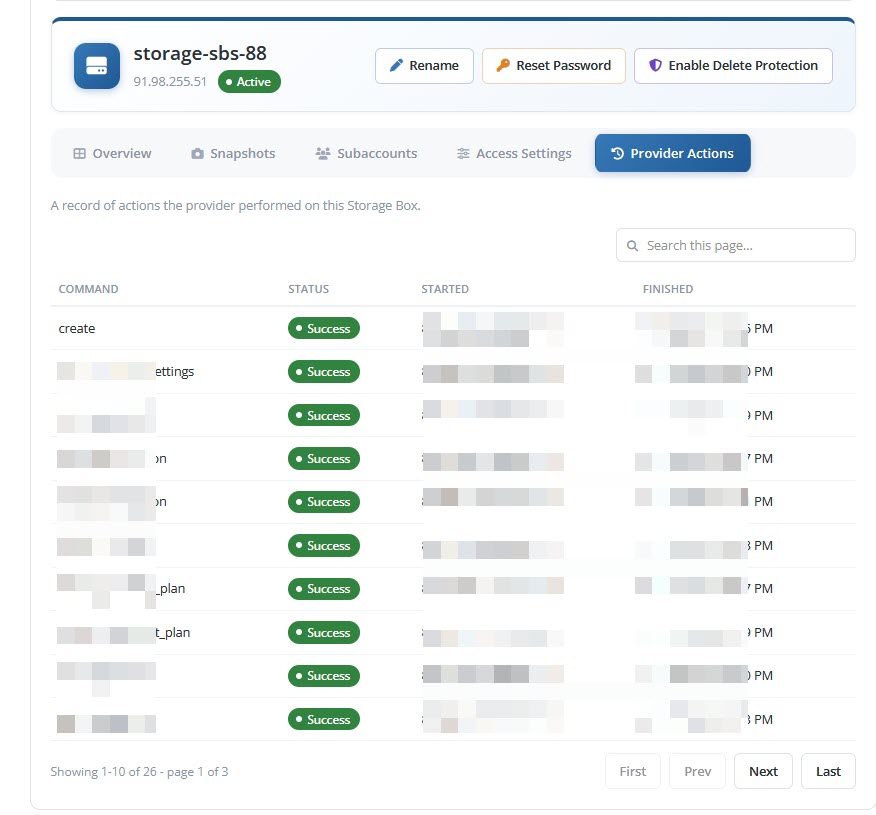
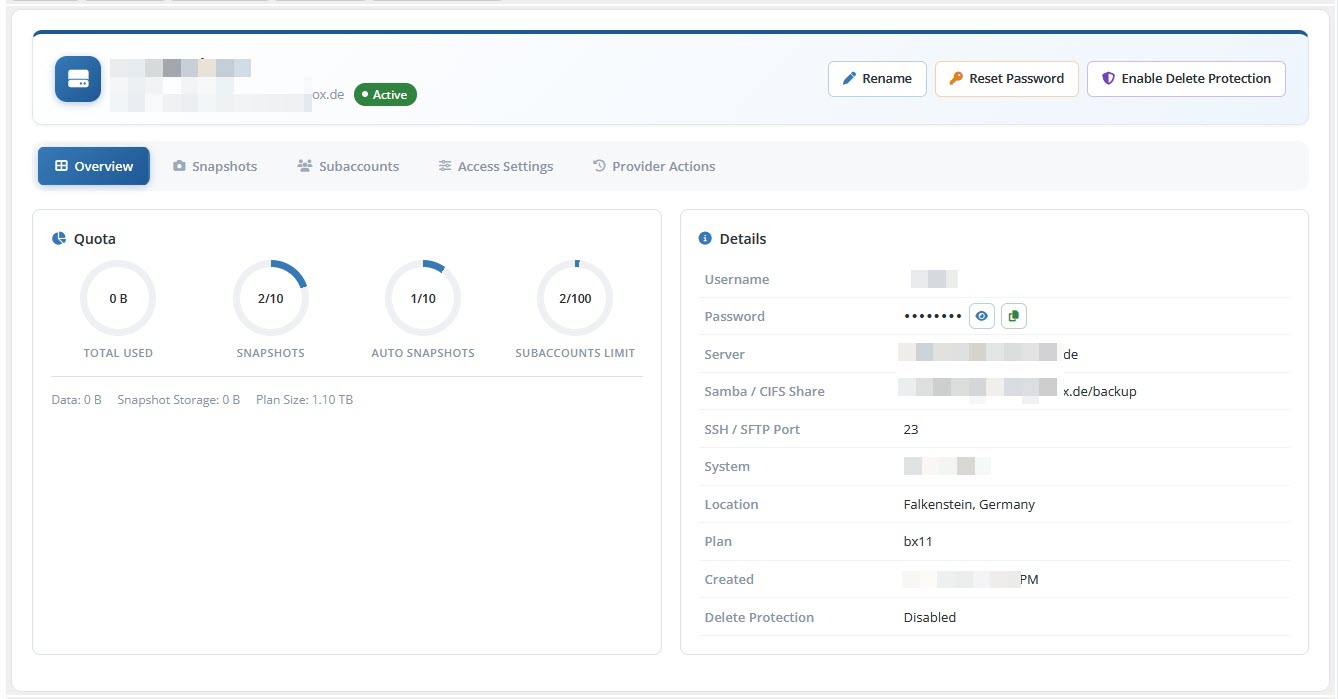
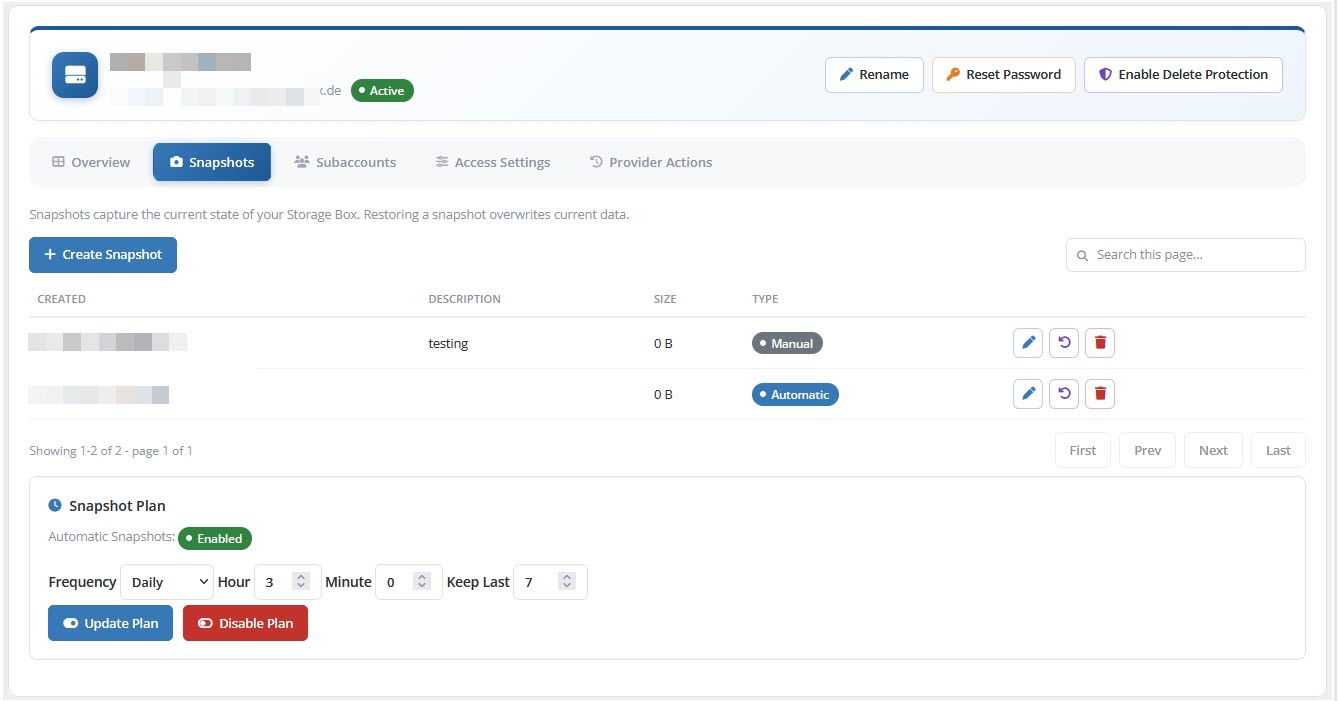
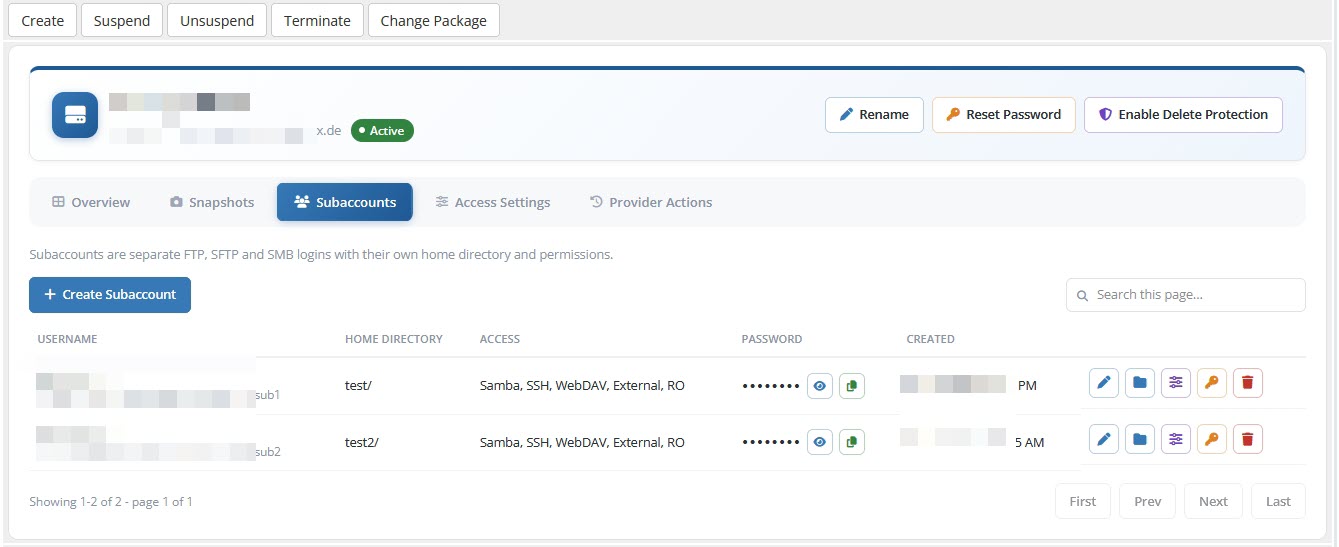
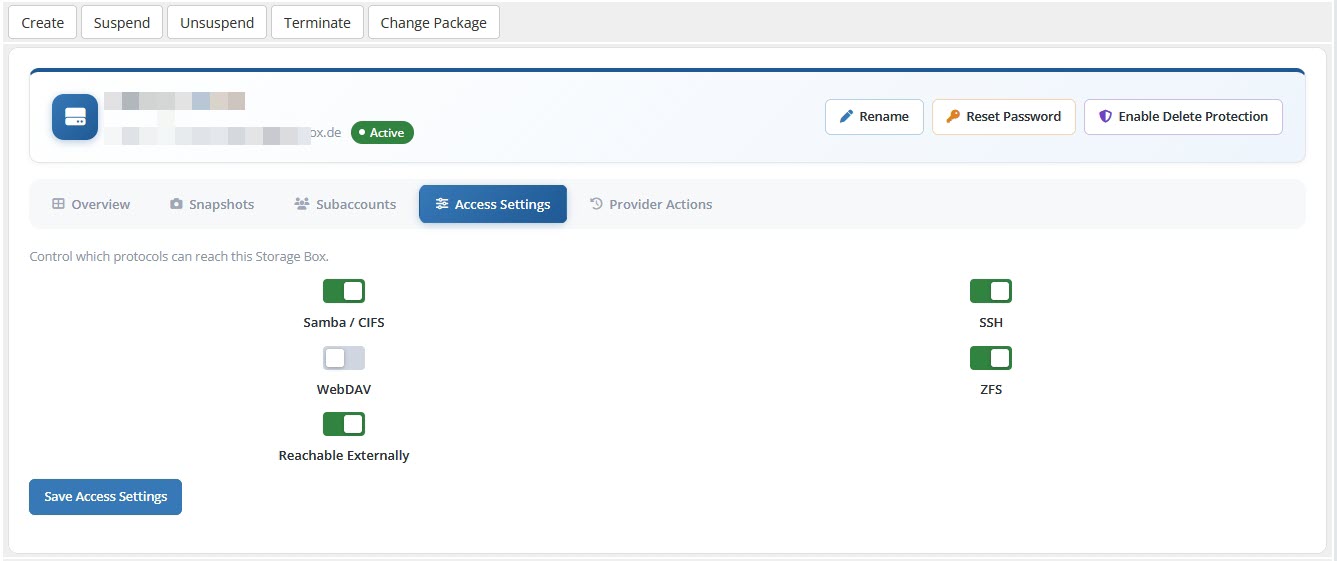
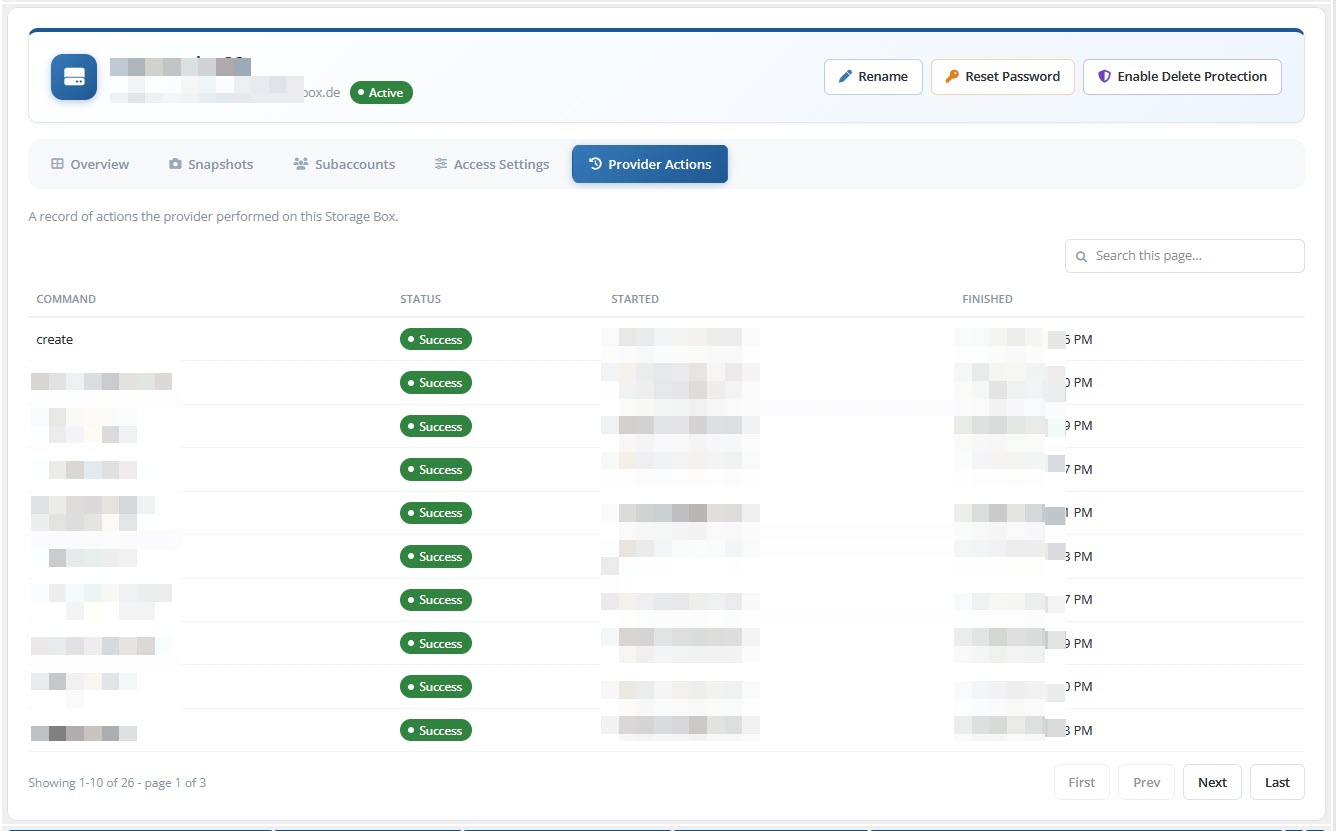
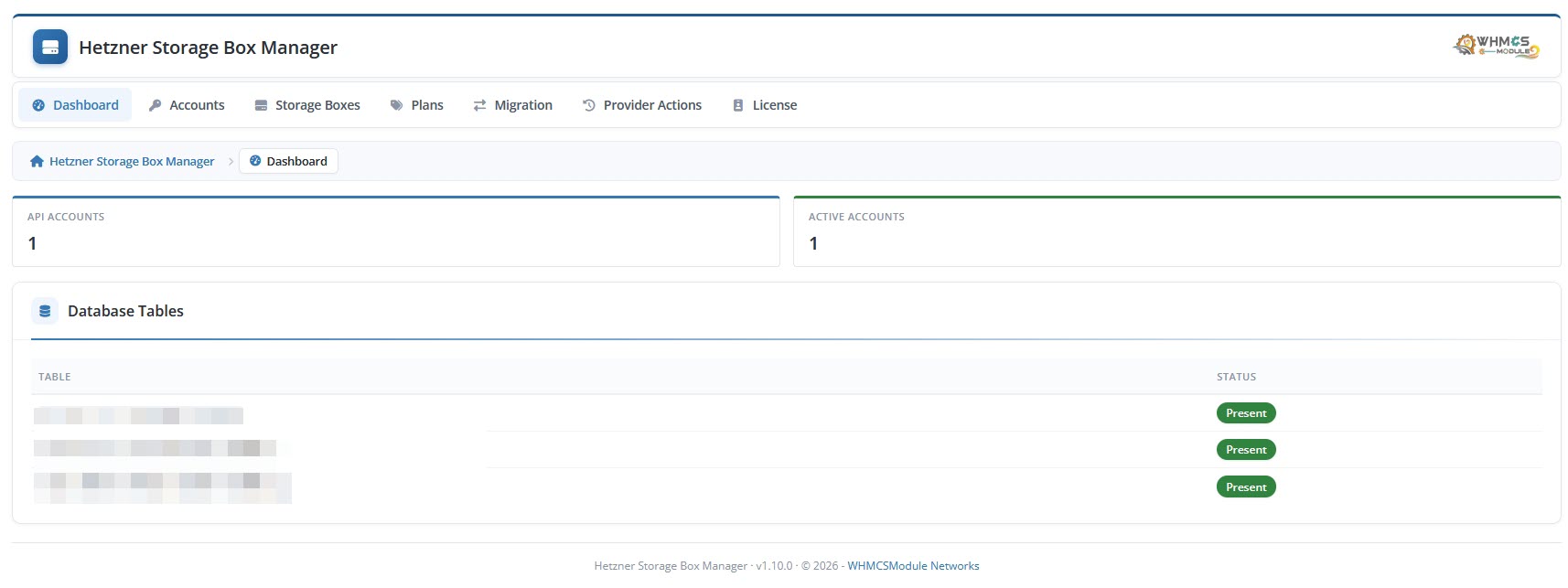
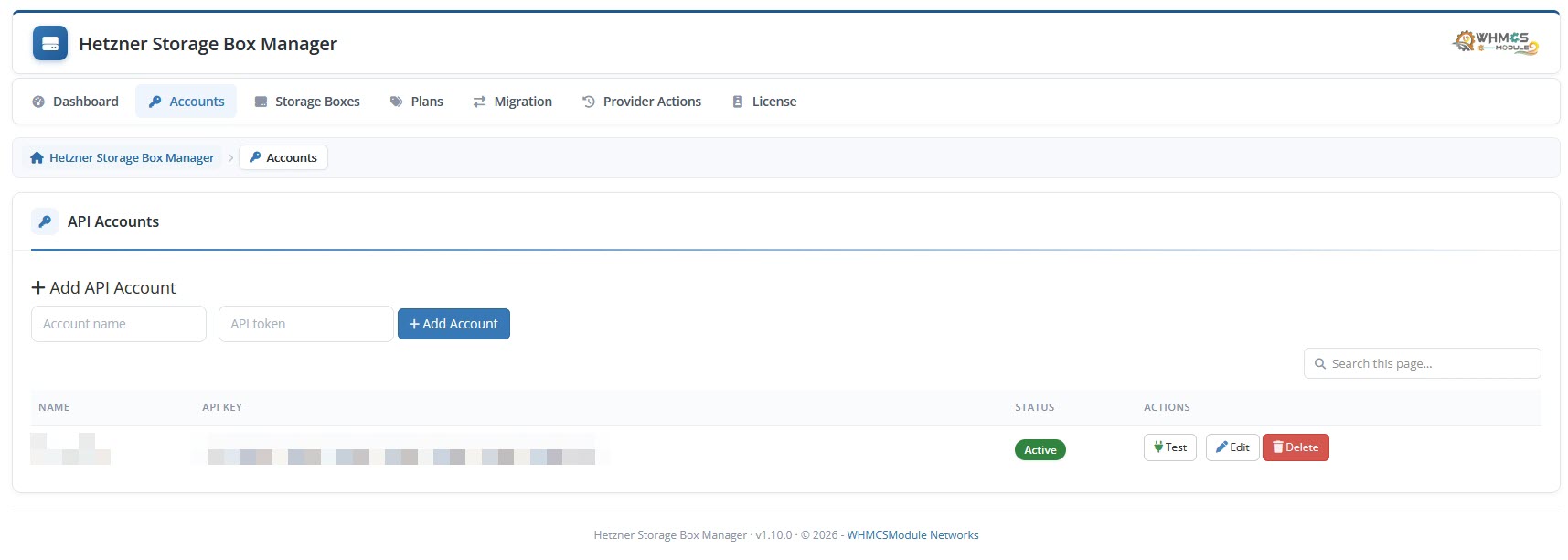
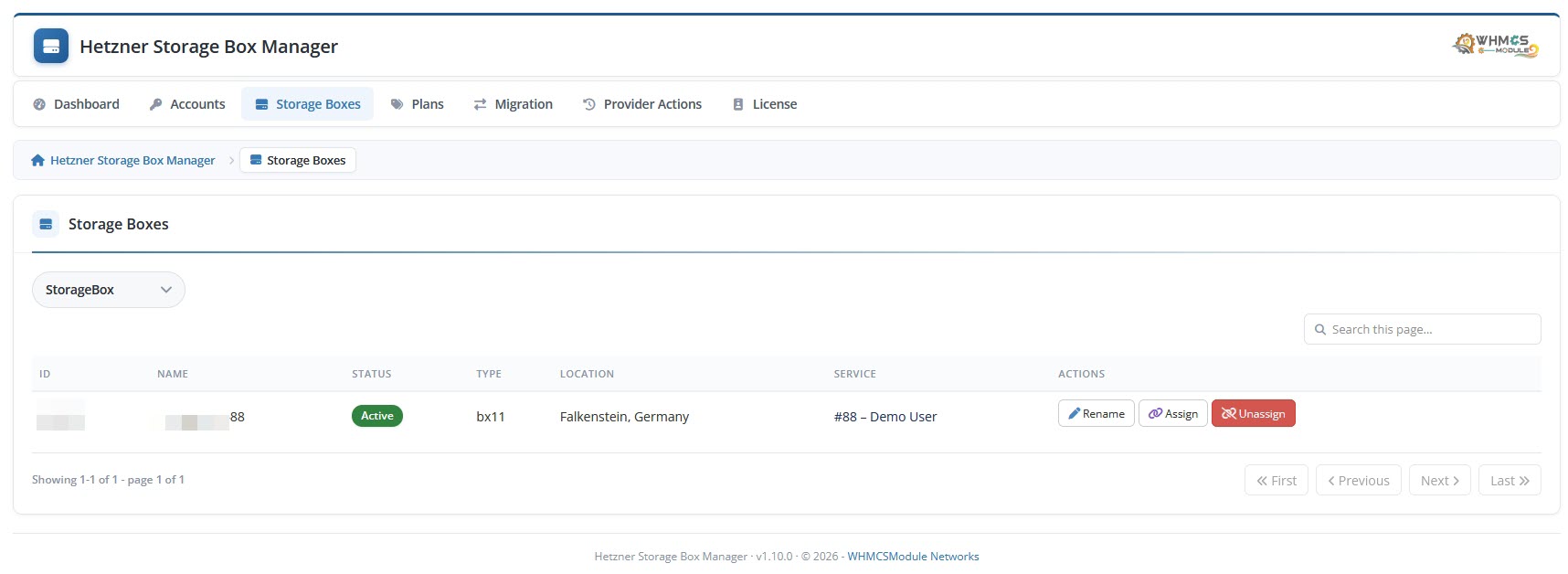
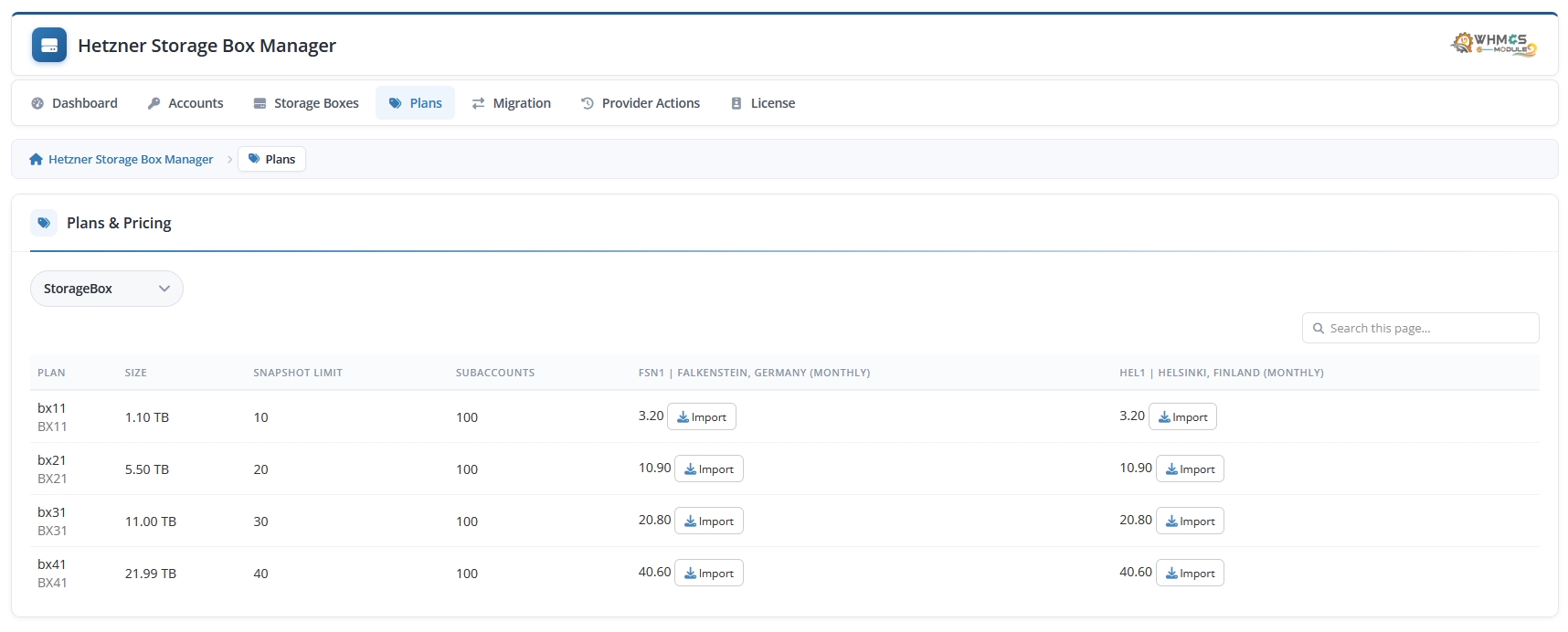
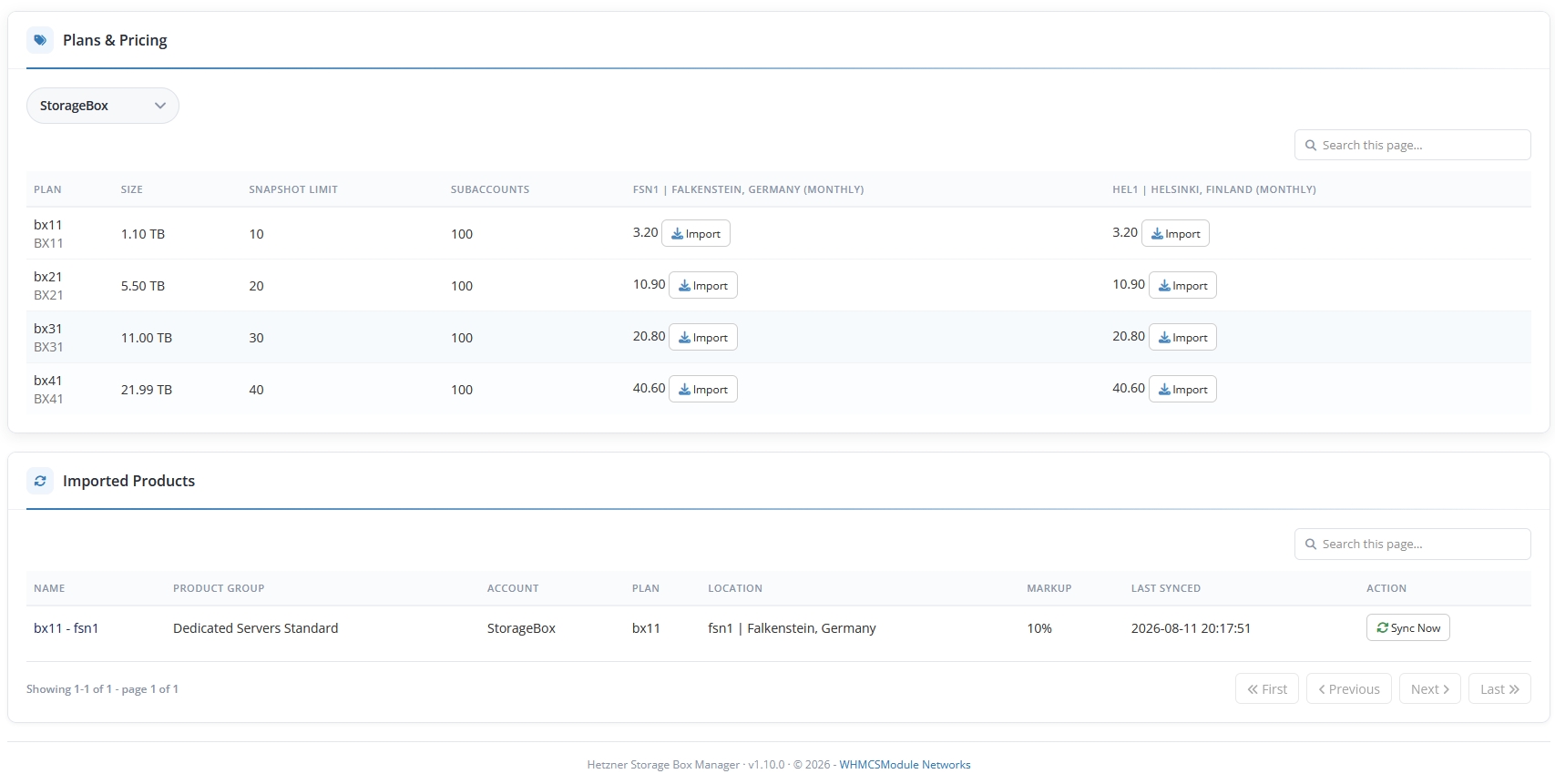
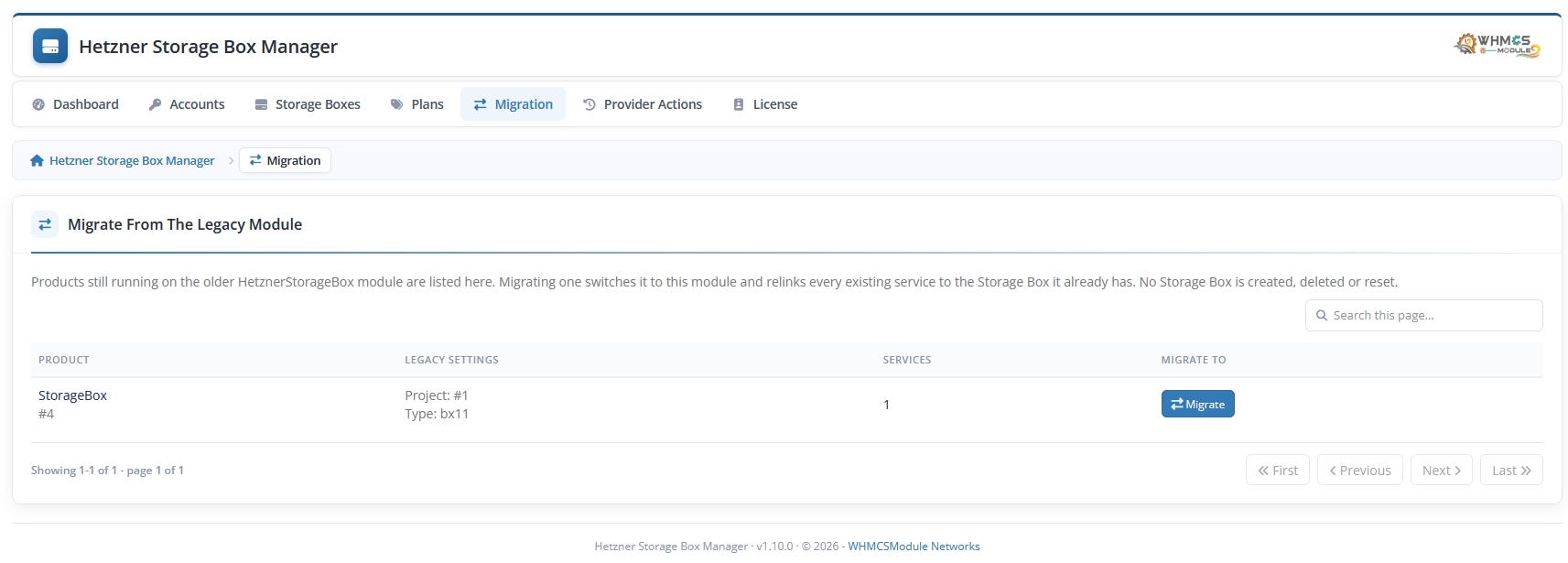
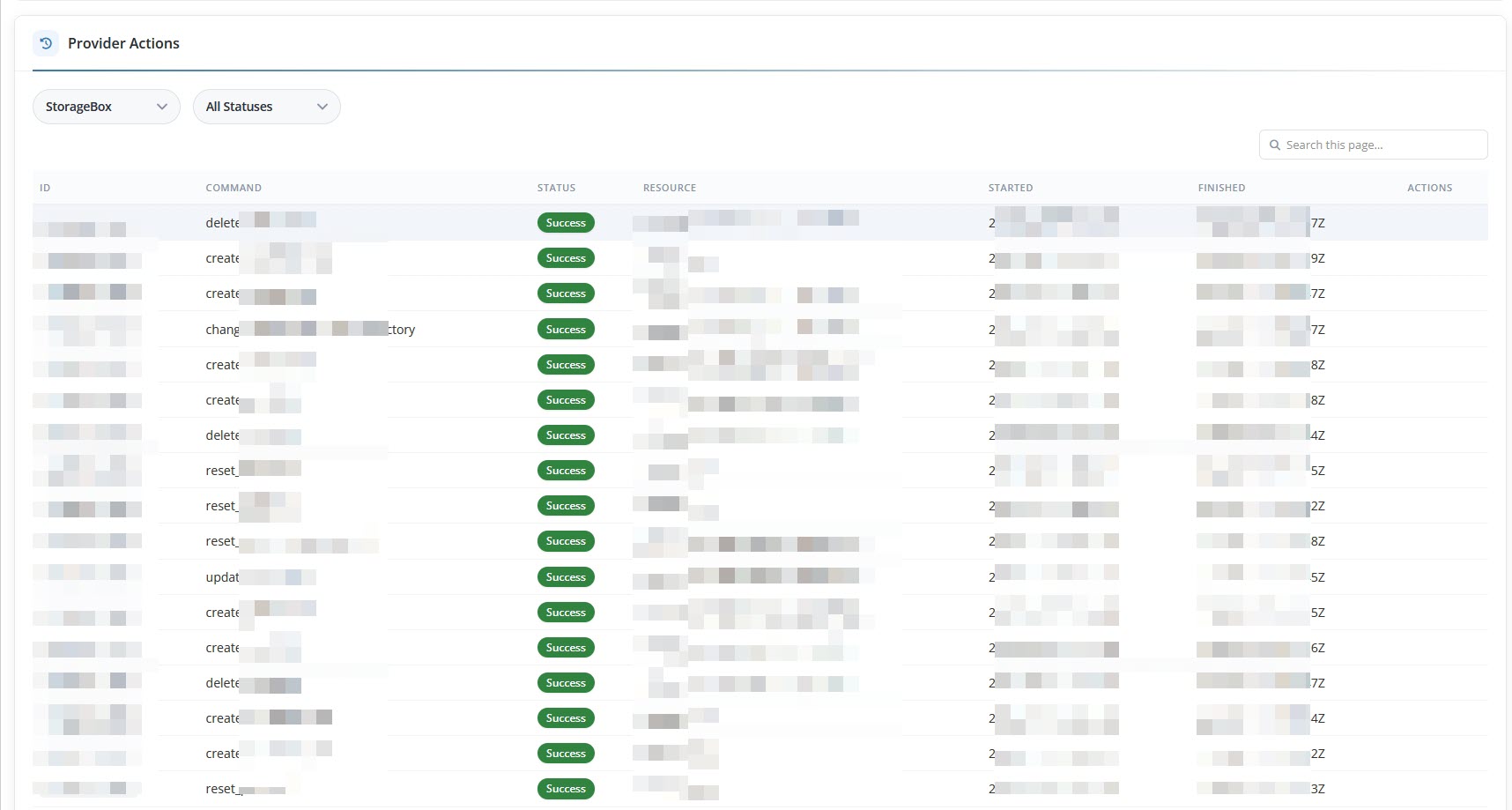
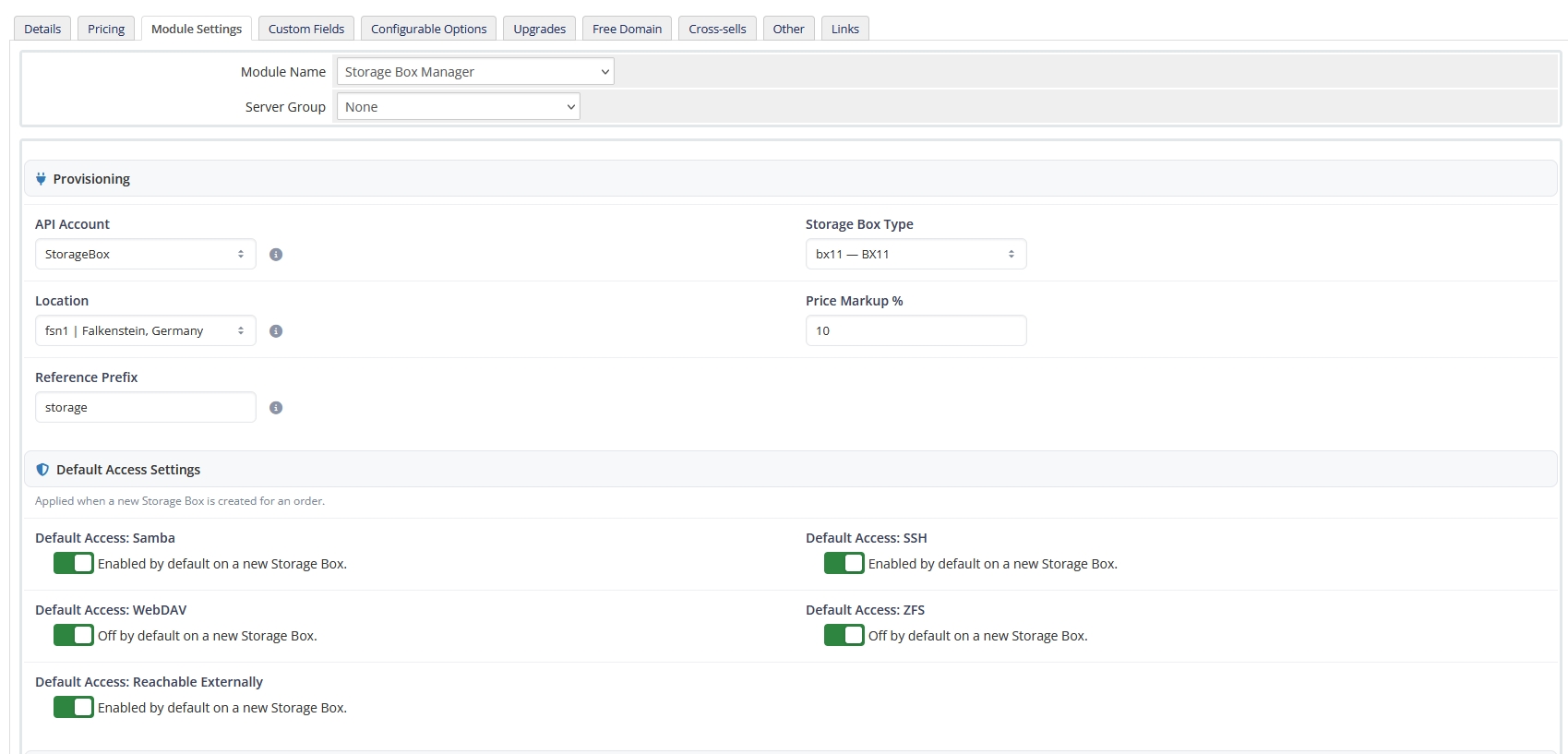
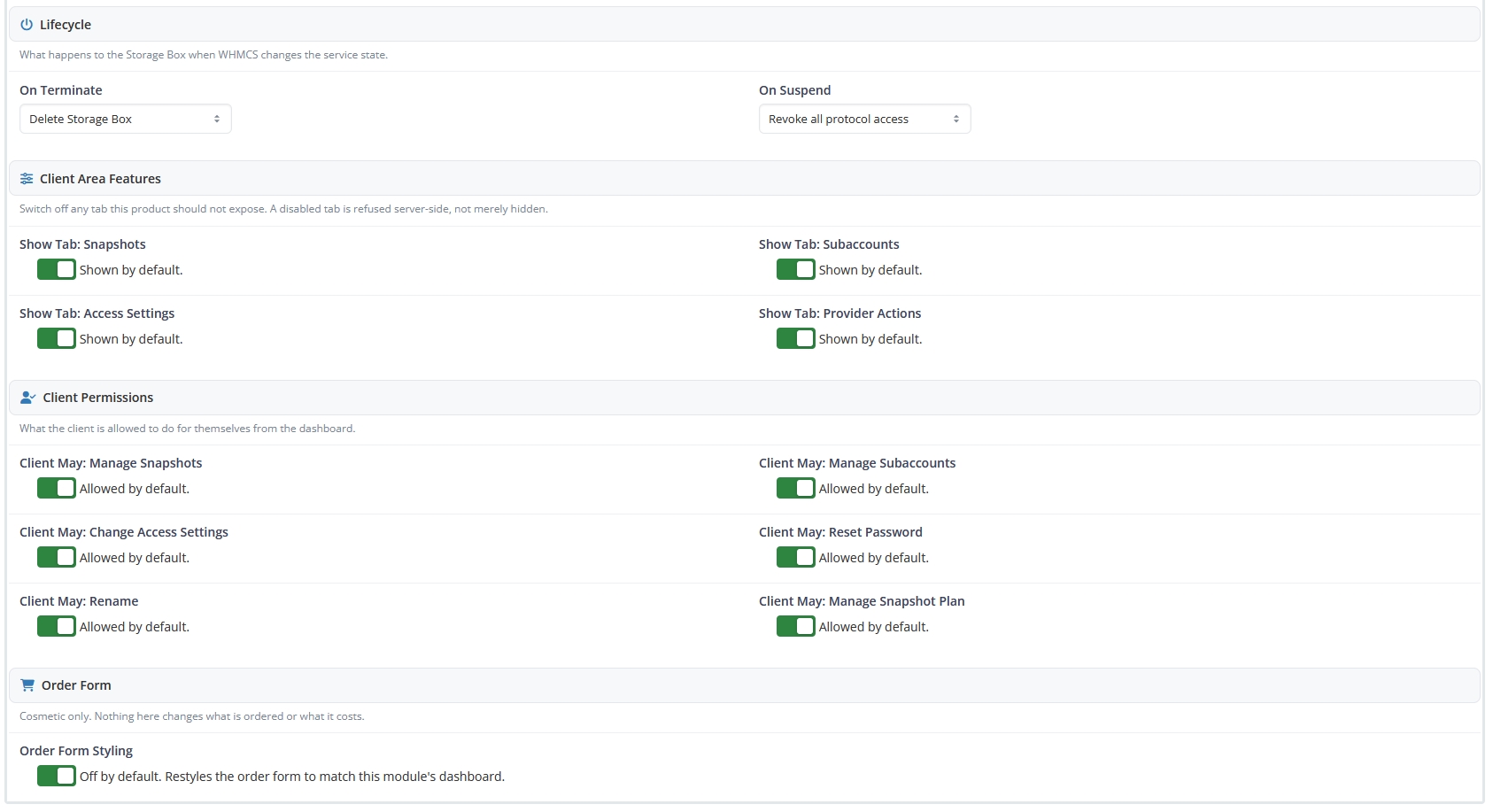
Automating Storage Box account provisioning, password resets, and sub-account setup eliminates manual admin tasks in WHMCS.
Complete Hetzner Storage Box Robot API automation suite for WHMCS.
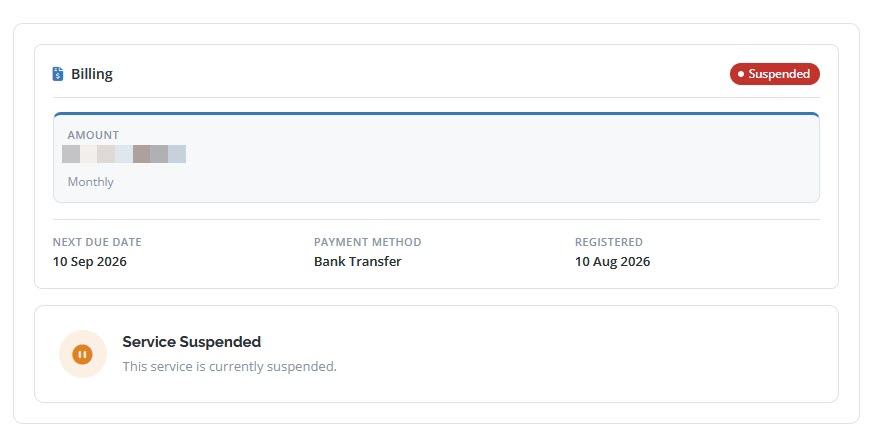
Instantly set up Storage Box accounts upon order payment with automatic plan upgrading and suspension support.
Clients can view backup server hostnames, username credentials, and reset storage passwords in 1-click.
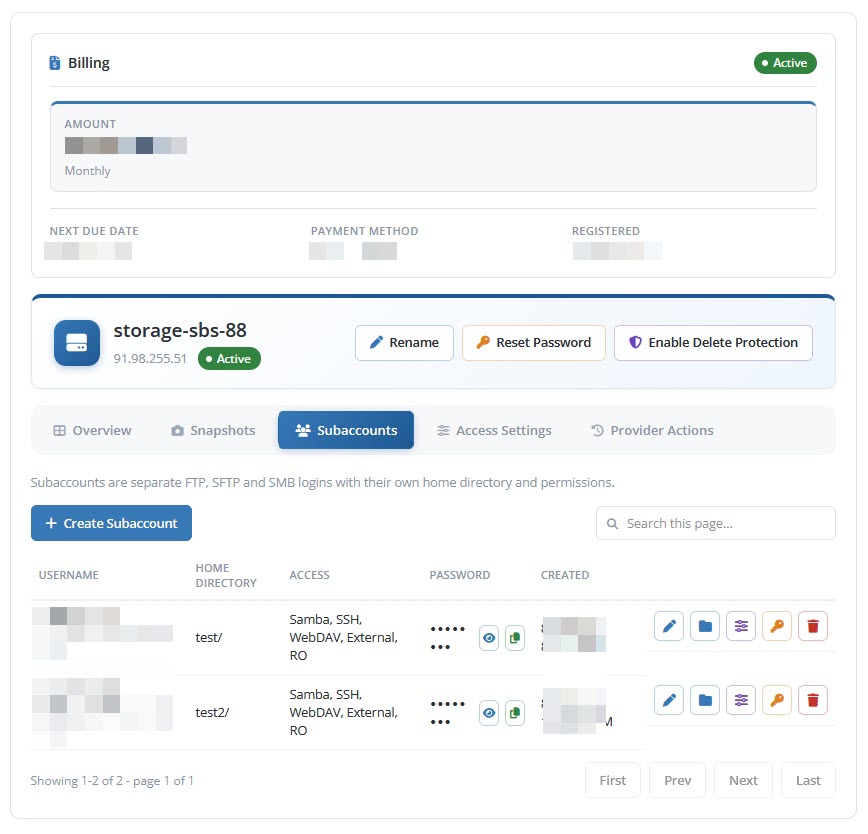
Create storage sub-accounts with isolated directories, read-only rights, and custom login credentials.
Toggle Samba/CIFS, WebDAV, SSH, and External Reachability protocols directly from WHMCS client area.
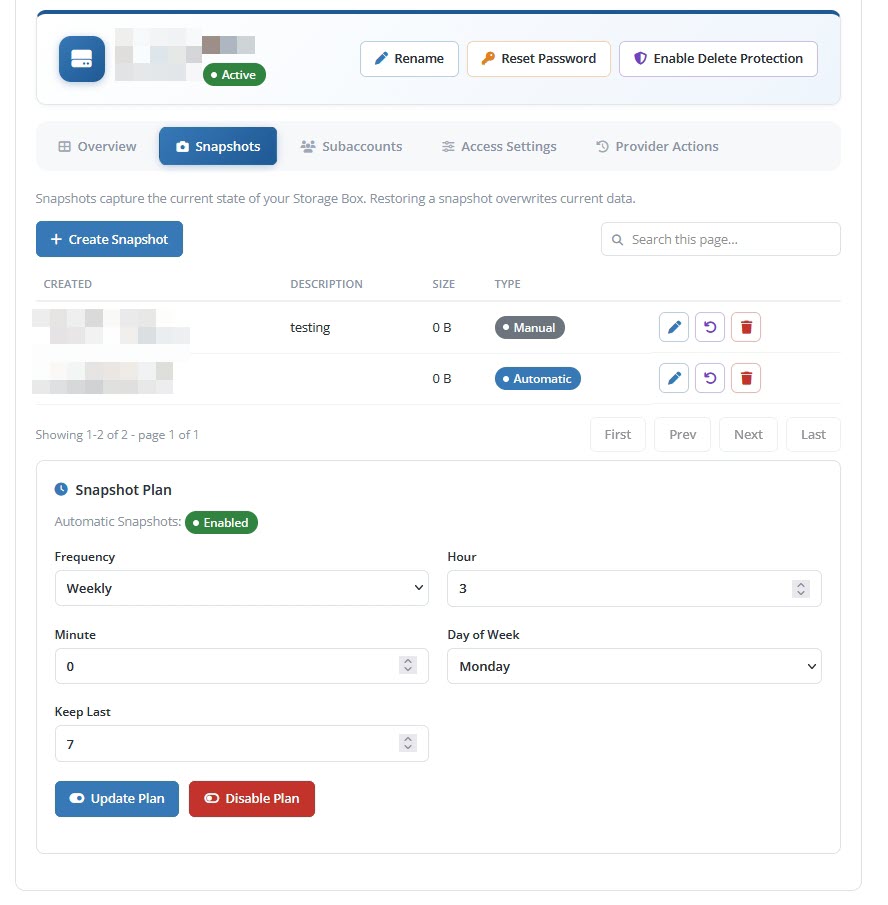
Create manual Storage Box snapshots and configure automated snapshot schedules for data recovery.
Sync storage quota, used space percentage, and total capacity bars into WHMCS product service management.
See how our WHMCS module automates Hetzner Storage Box provisioning.
| Feature / Capability | Manual Setup | Hetzner Storage Box for WHMCS |
|---|---|---|
| Automated Storage Provisioning Instant backup account setup upon payment. | Manual Setup | 100% Automated API |
| Storage Sub-Account Creation Client self-service sub-accounts with custom directories. | No Sub-Accounts | Full Sub-Account Manager |
| Protocol Toggles (Samba, WebDAV, SSH) Toggle access protocols inside WHMCS client area. | No Client Toggles | 1-Click Protocol Controls |
Full compatibility specifications for WHMCS environments, Hetzner Robot API, PHP runtimes, and licensing terms.
Quick answers to common questions about Hetzner Storage Box API integration and WHMCS compatibility.
The module connects to Hetzner Robot API via HTTPS using your Robot credentials, enabling automated Storage Box provisioning, sub-account setup, and password resets in WHMCS.
Yes, free installation support is included with your purchase. Our technical team is available to assist via ticket.
Review our license terms, compatibility notes, and support policies.
There is No Refund Policy on module licenses — onetime or yearly. Modules are non-tangible, non-returnable goods. Refunds are not issued once the order is finalized and the product is activated.
If you face any issue with installation, open a support ticket, email us, or talk to us via live chat. We're here to help before and after purchase.
Modules are developed against the latest stable WHMCS version. LTS versions of WHMCS are not supported. Supports WHMCS 8.x & 9.x Ready with PHP 8.2 & PHP 8.3 Encoded encoded files.
Module purchase is restricted for websites using Nulled WHMCS. Nulled WHMCS users will be considered as Fraud. Sign up with a Valid Email ID from your Top Level Domain.
An Order Confirmation mail will be sent to your Email ID. Once the mail is verified the order will be processed. Otherwise the order will be deleted without notice.
If you face a "response can not be decoded" error, upgrade your cURL to 7.30 or above. If WHMCS shows a non-compatible encoded file warning, just ignore the message.