Nice module working as per their description. I am really very happy with their module & support as well. Thank you so much
★ ★ ★ ★ ★

 WHMCS ADDON MODULE
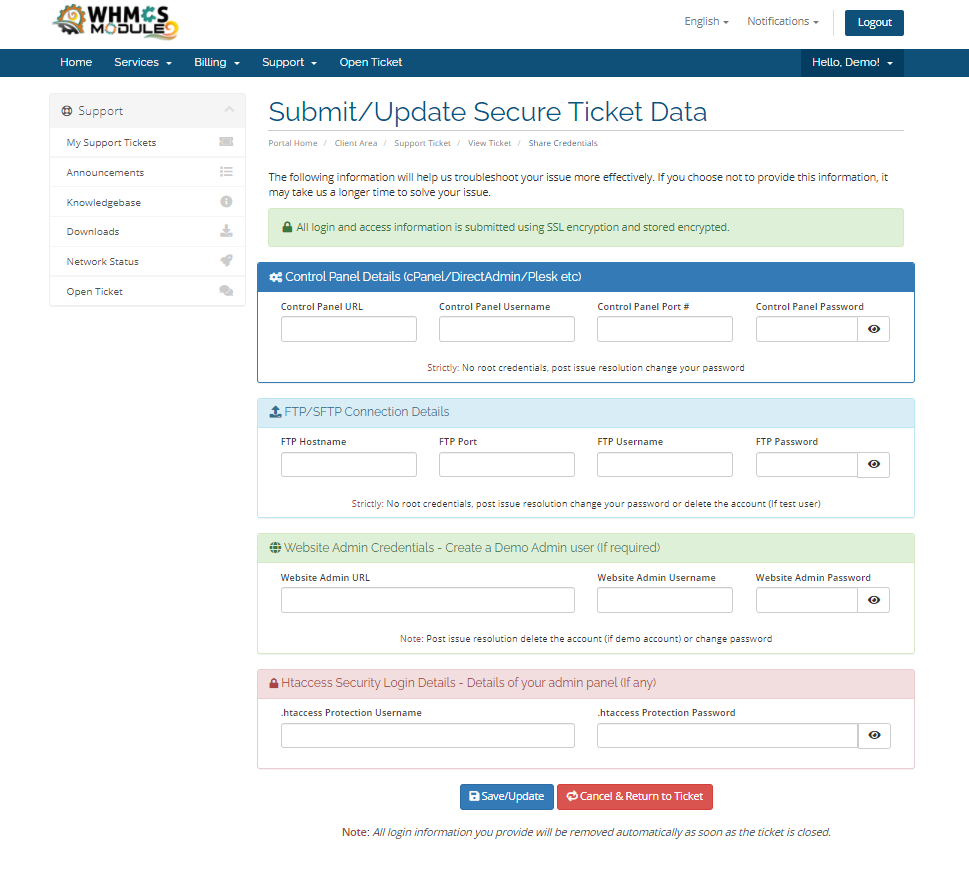
Allow clients to submit sensitive credentials (cPanel, Root, SSH, Web logins) securely. Auto-purge on ticket closure, instant client deletion, and priority ticket upsells.
Encrypt client passwords on ticket submission, auto-purge on closure, and charge fees for priority support responses.
Encrypted credential submission, automatic purging, and priority ticket upgrades.
Estimate how much extra revenue your support team can generate by offering optional paid priority support tickets.
Protect sensitive credentials and monetize ticket priorities with zero friction.
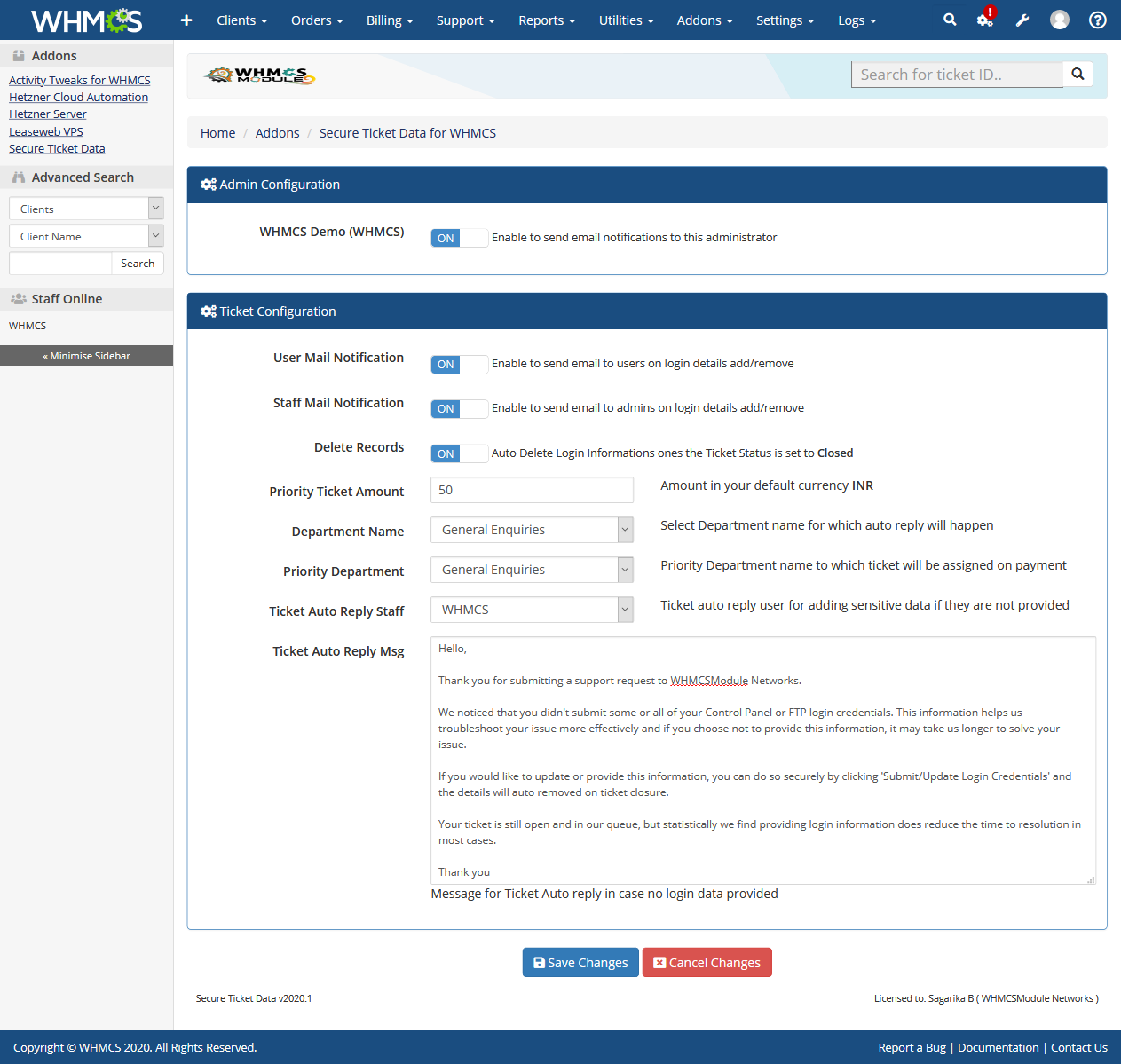
Automatically deletes client login information records (cPanel, FTP, SSH, Root, htaccess) as soon as ticket status is set to 'Closed'.
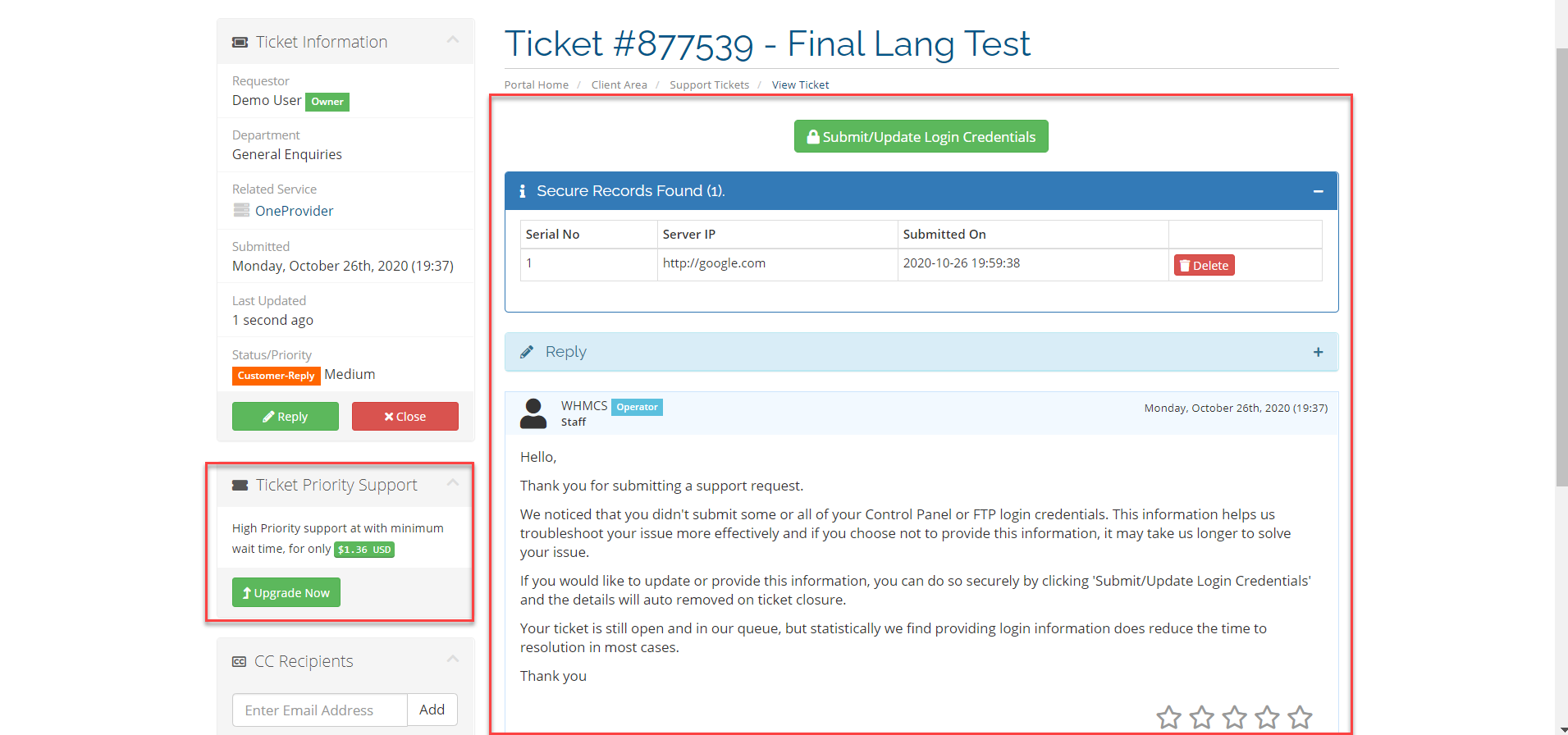
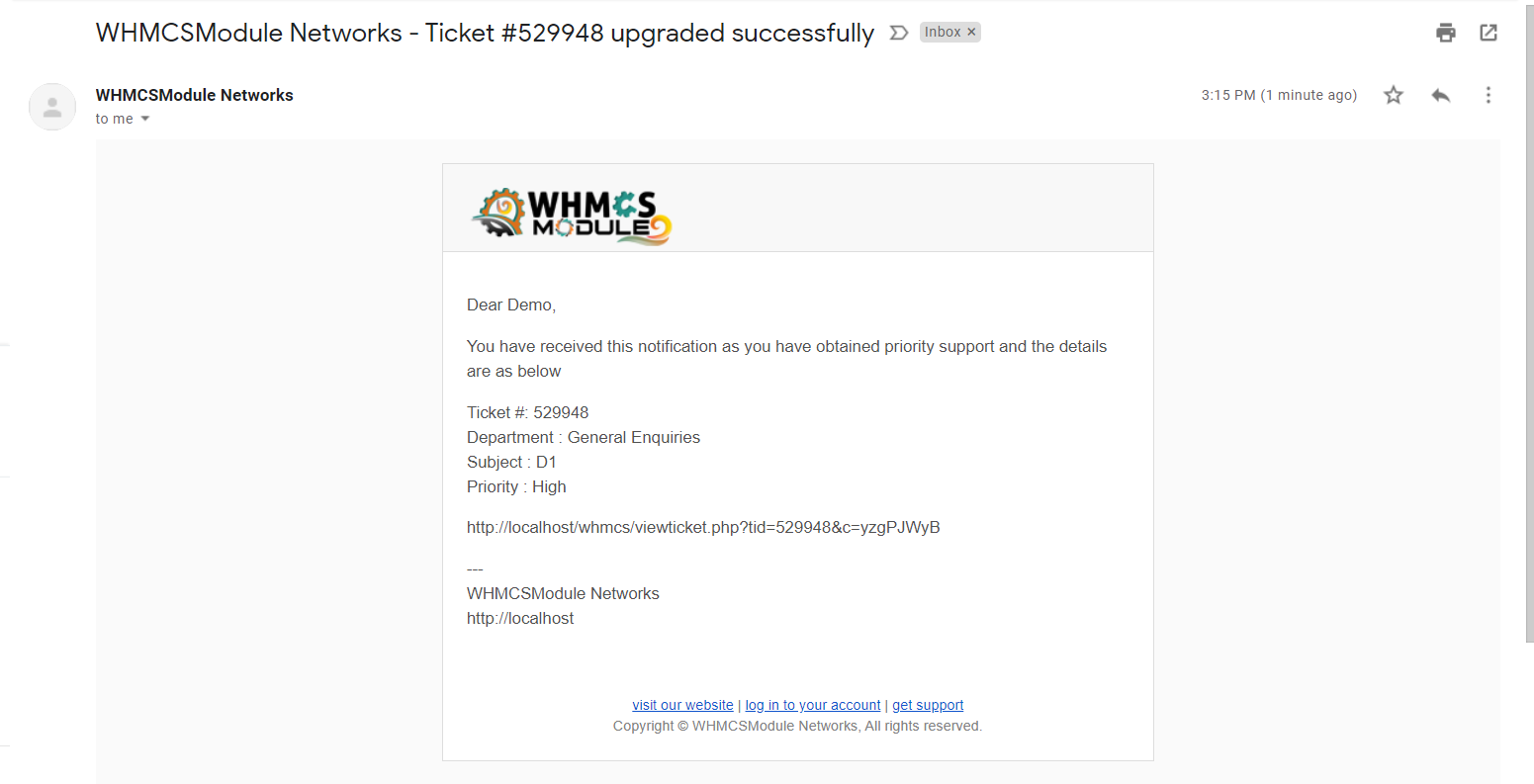
Set custom priority ticket fees in your base currency; automatically converts to client currency and elevates ticket priority upon invoice payment.
End-users can view, update, or permanently delete submitted sensitive data at any point in time without waiting for ticket closure.
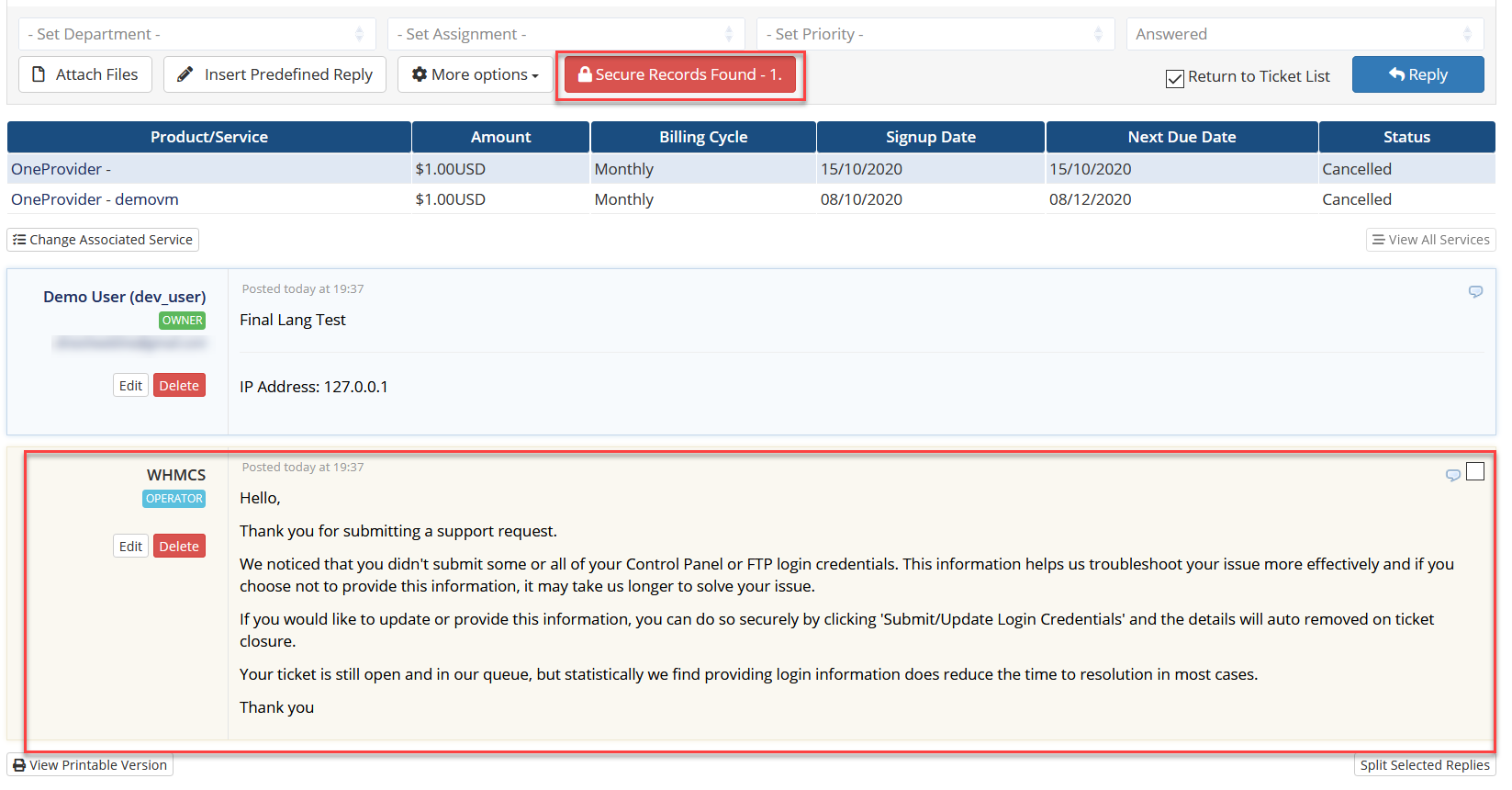
Prompt for sensitive data only when submitting tickets to specific technical departments; sends automated reminder replies if details are missing.
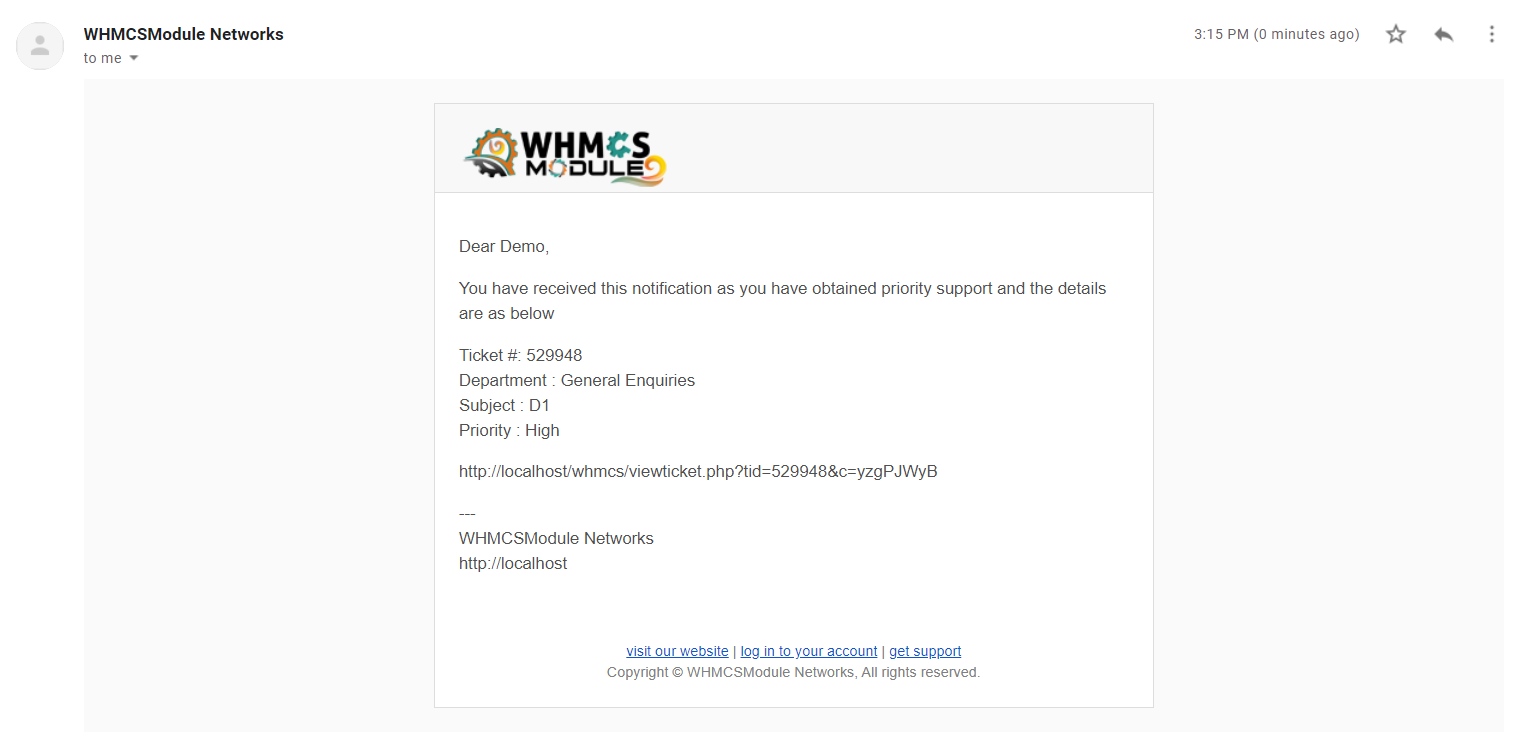
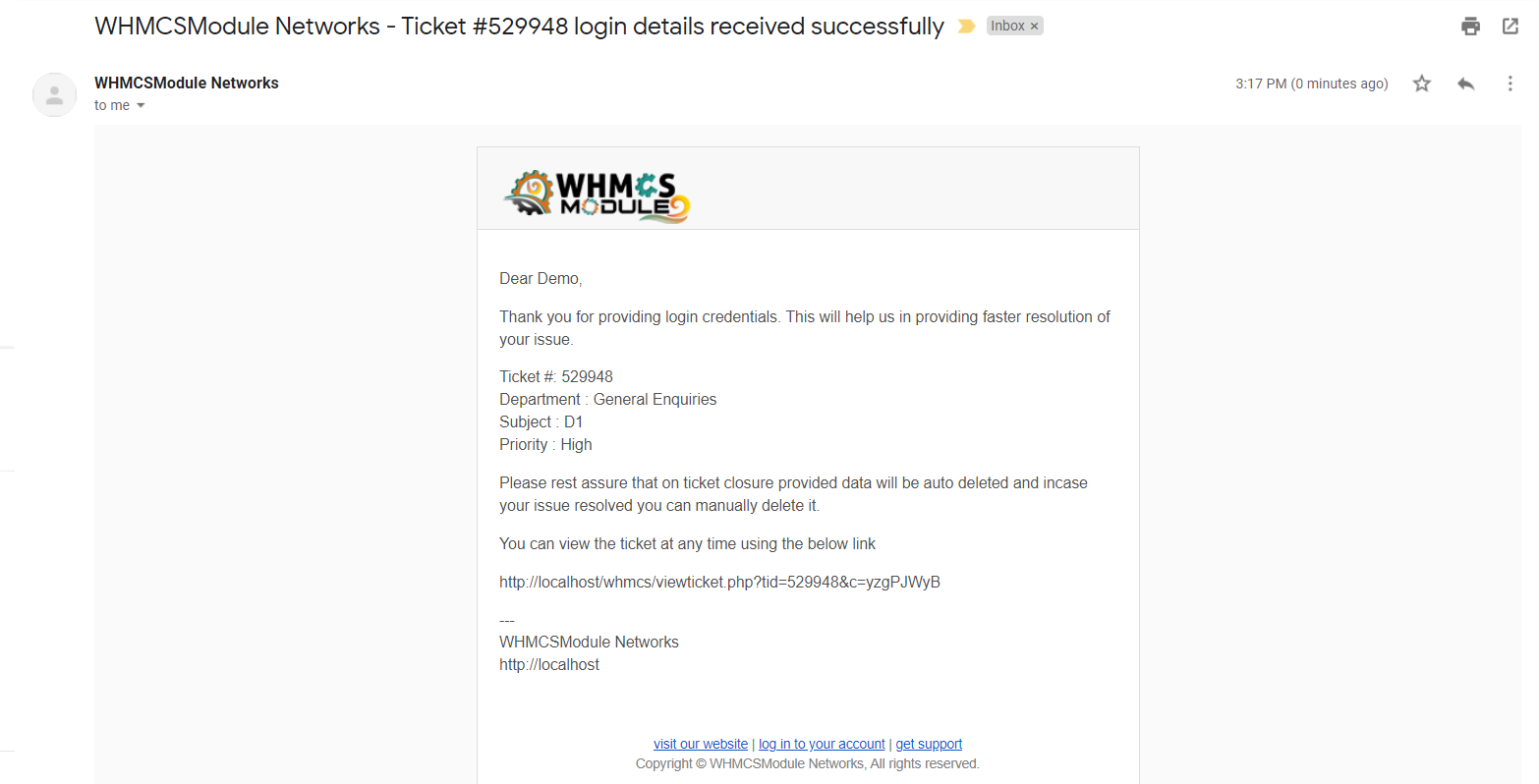
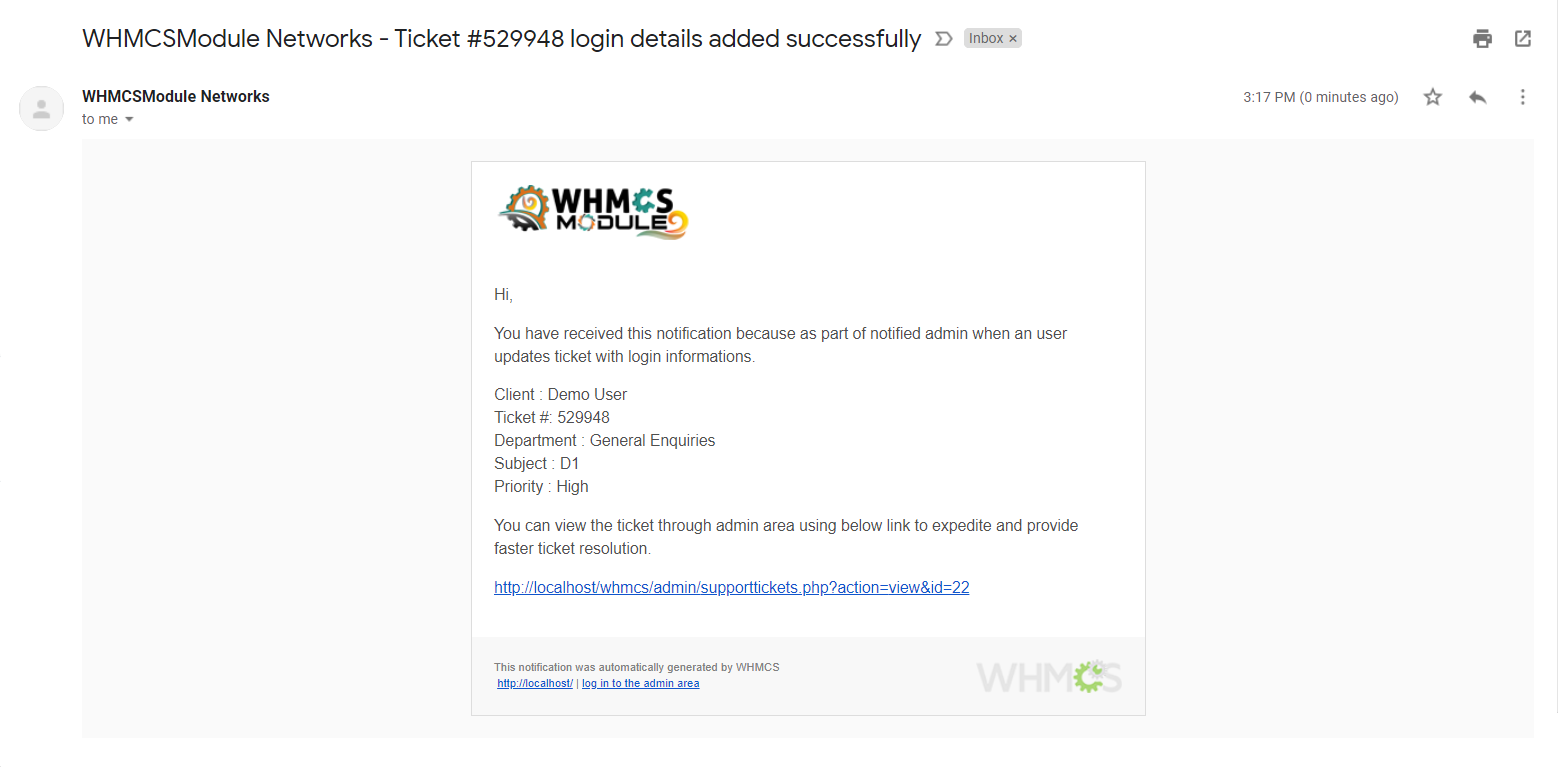
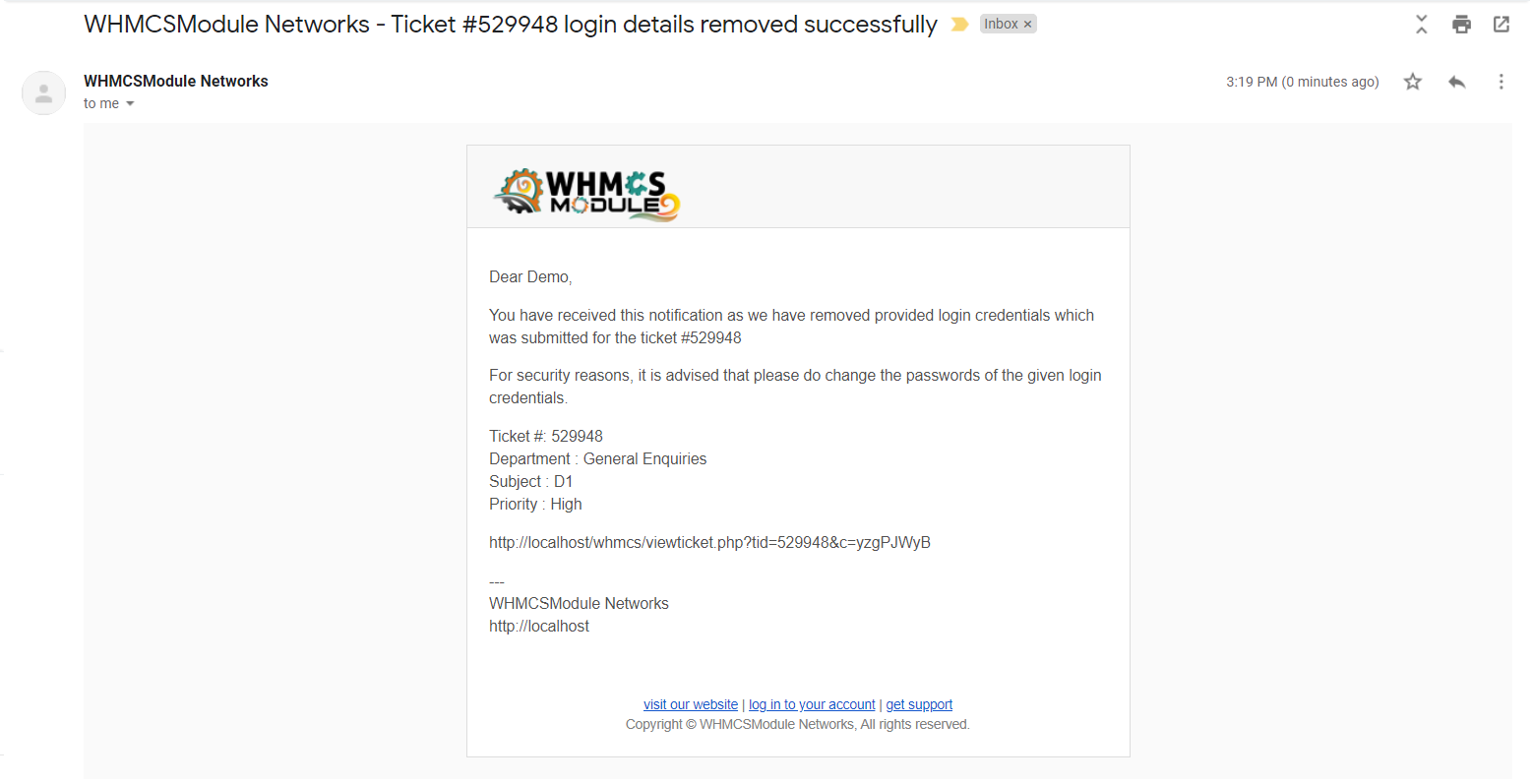
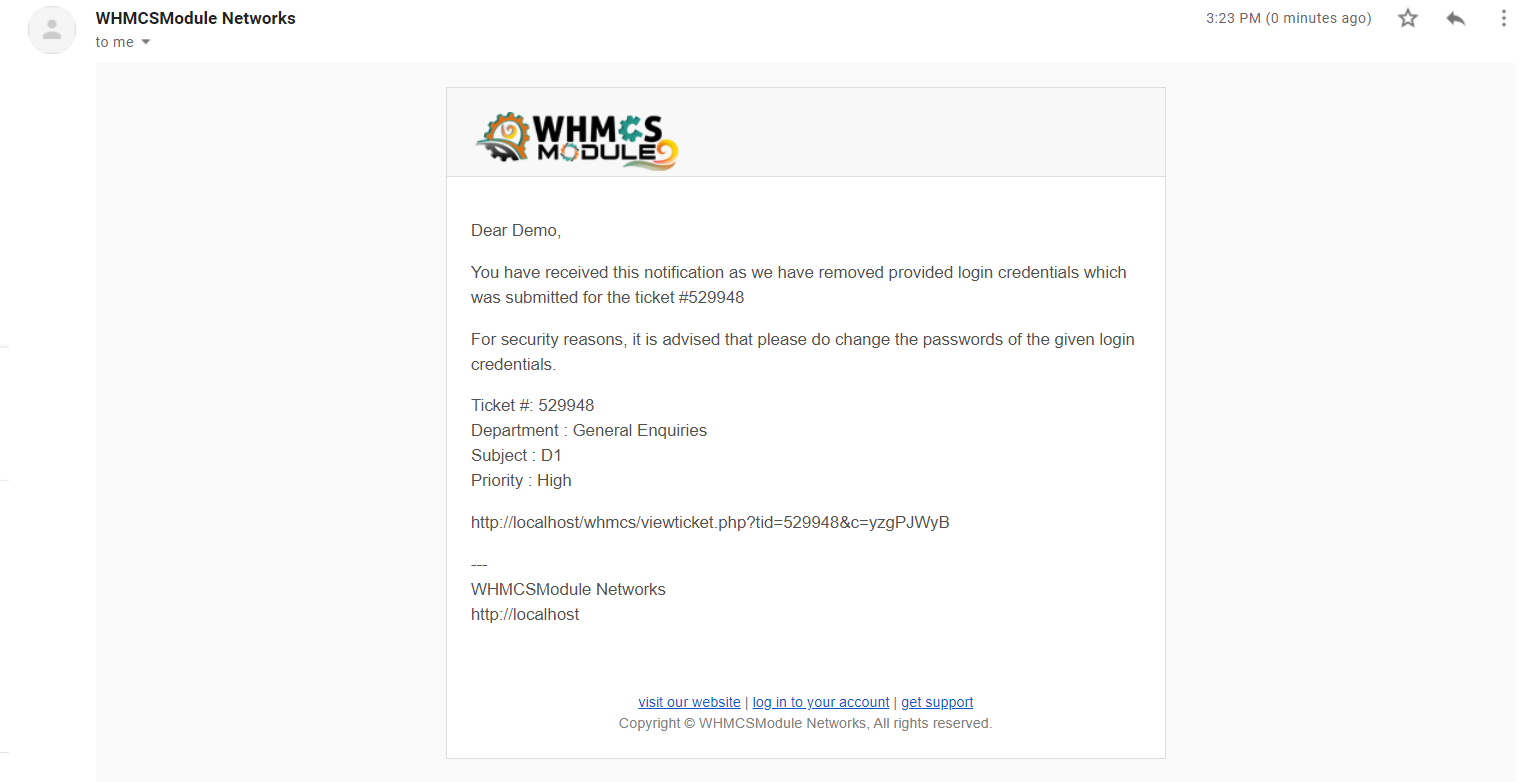
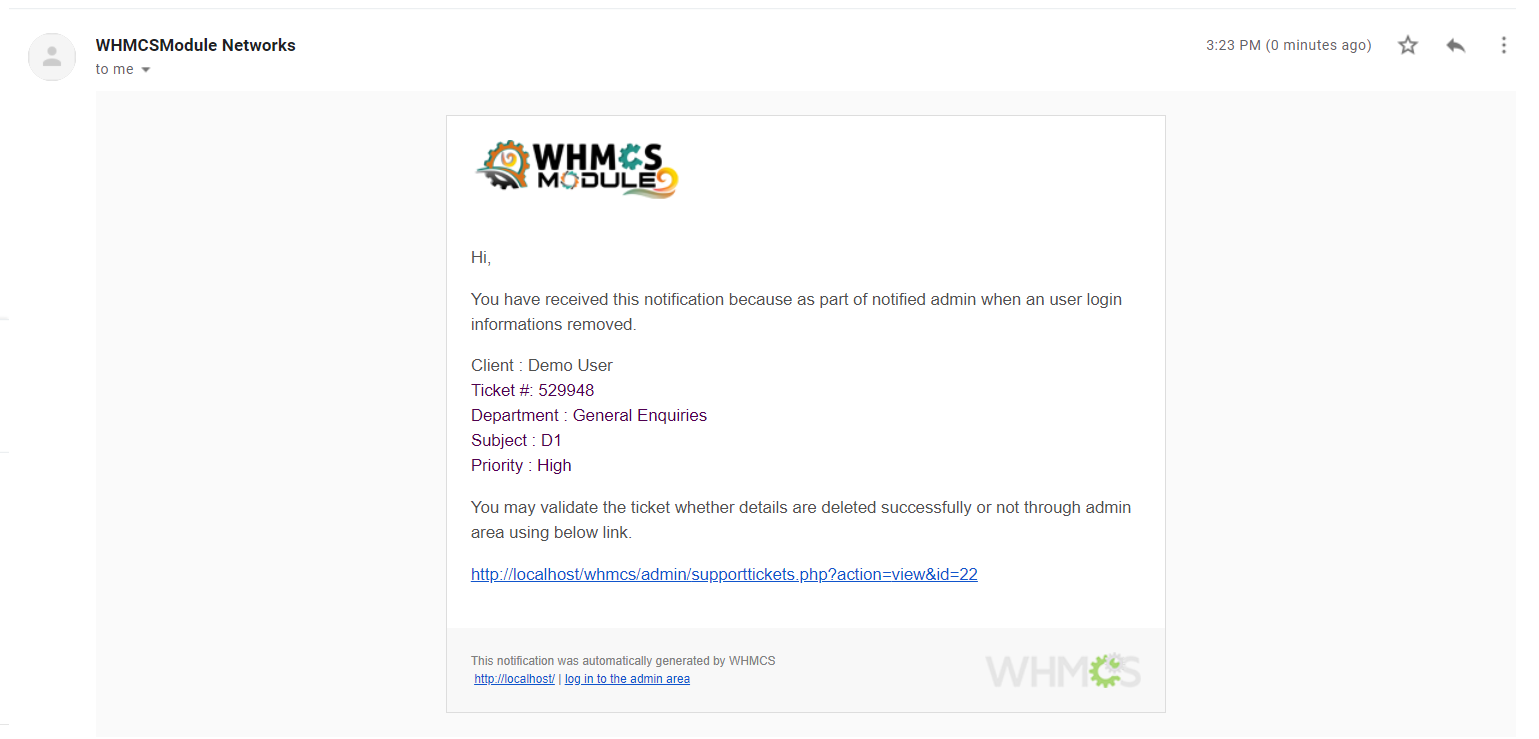
Instant email notifications sent to both client and admin upon credential creation, deletion, or priority support status updates.
Supports 13 languages out-of-the-box with unified templates for Bootstrap 3, Bootstrap 4, Twenty-One, and Lagom themes.
Compare standard WHMCS ticket handling against our encrypted Secure Ticket Data module.
| Feature / Security Capability | Native WHMCS | Secure Ticket Data |
|---|---|---|
| Encrypted Sensitive Data Fields Store cPanel, SSH, Root, and Web logins in an isolated encrypted vault. | Plain Text | AES Encrypted Vault |
| Auto-Purge on Ticket Close Permanently delete client credentials automatically upon ticket resolution. | No (Persists in DB) | Yes (Automated) |
| Manual Client Erase Button Allow clients to wipe their submitted logins anytime without closing the ticket. | No | Yes |
| Paid Priority Support Ticket Upsells Allow customers to pay a fee to prioritize support ticket assignment. | No | Yes |
| Auto Assign Priority Department Automatically reassign paid priority tickets to high-priority tech queues. | No | Yes |
| Department-Specific Credential Prompts Require sensitive details only on tech departments and auto-reply if missing. | No | Yes |
| Credential Audit & Activity Alerts Send real-time alerts to client and admin on data creation or purge. | No | Yes |
Full compatibility specifications for WHMCS environments, PHP runtimes, and licensing terms.
Comprehensive functional breakdown of ticket encryption, auto-purge rules, and priority support.
Quick answers to common questions about licensing, encryption, and installation support.
Yes! The module supports standard WHMCS themes (Twenty-One, Six, Standard Cart) as well as popular premium themes like Lagom Cart out of the box with unified template files.
Yes, all stored client credentials (cPanel, FTP, SSH, Root, htaccess) are automatically and permanently deleted from the database as soon as the ticket status changes to 'Closed'.
Yes! End-users have full control to view, update, or manually erase their submitted sensitive data at any point in time without waiting for the ticket to close.
You define a priority ticket fee amount in your WHMCS base currency. When a client opts for Priority Support, an invoice is generated. Upon payment, the ticket is automatically reassigned to your priority technical department with High Priority status.
Review our license terms, compatibility notes, and support policies.
There is No Refund Policy on module licenses — onetime or yearly. Modules are non-tangible, non-returnable goods. Refunds are not issued once the order is finalized and the product is activated.
If you face any issue with installation, open a support ticket, email us, or talk to us via live chat. We're here to help before and after purchase.
Modules are developed against the latest stable WHMCS version. LTS versions of WHMCS are not supported. Supports WHMCS 8.x & 9.x Ready with PHP 8.2 & PHP 8.3 Encoded encoded files.
Module purchase is restricted for websites using Nulled WHMCS. Nulled WHMCS users will be considered as Fraud. Sign up with a Valid Email ID from your Top Level Domain.
An Order Confirmation mail will be sent to your Email ID. Once the mail is verified the order will be processed. Otherwise the order will be deleted without notice.
If you face a "response can not be decoded" error, upgrade your cURL to 7.30 or above. If WHMCS shows a non-compatible encoded file warning, just ignore the message.