
AUTOMATION PLATFORM ...
 WHMCS PROVISION MODULE
Oversee every move of your Vultr Cloud VPSs in WHMCS! Enable clients to reboot, rebuild OS, manage Floating IPs, create snapshots, and open HTML5 VNC consoles 24/7.
Single WHMCS module to manage Vultr Cloud VPSs. Get 1-click power controls, OS reinstalls, floating IPs, snapshots, and VNC console in WHMCS.
Vultr Cloud VPS VPS management interface in WHMCS client area and admin panel.
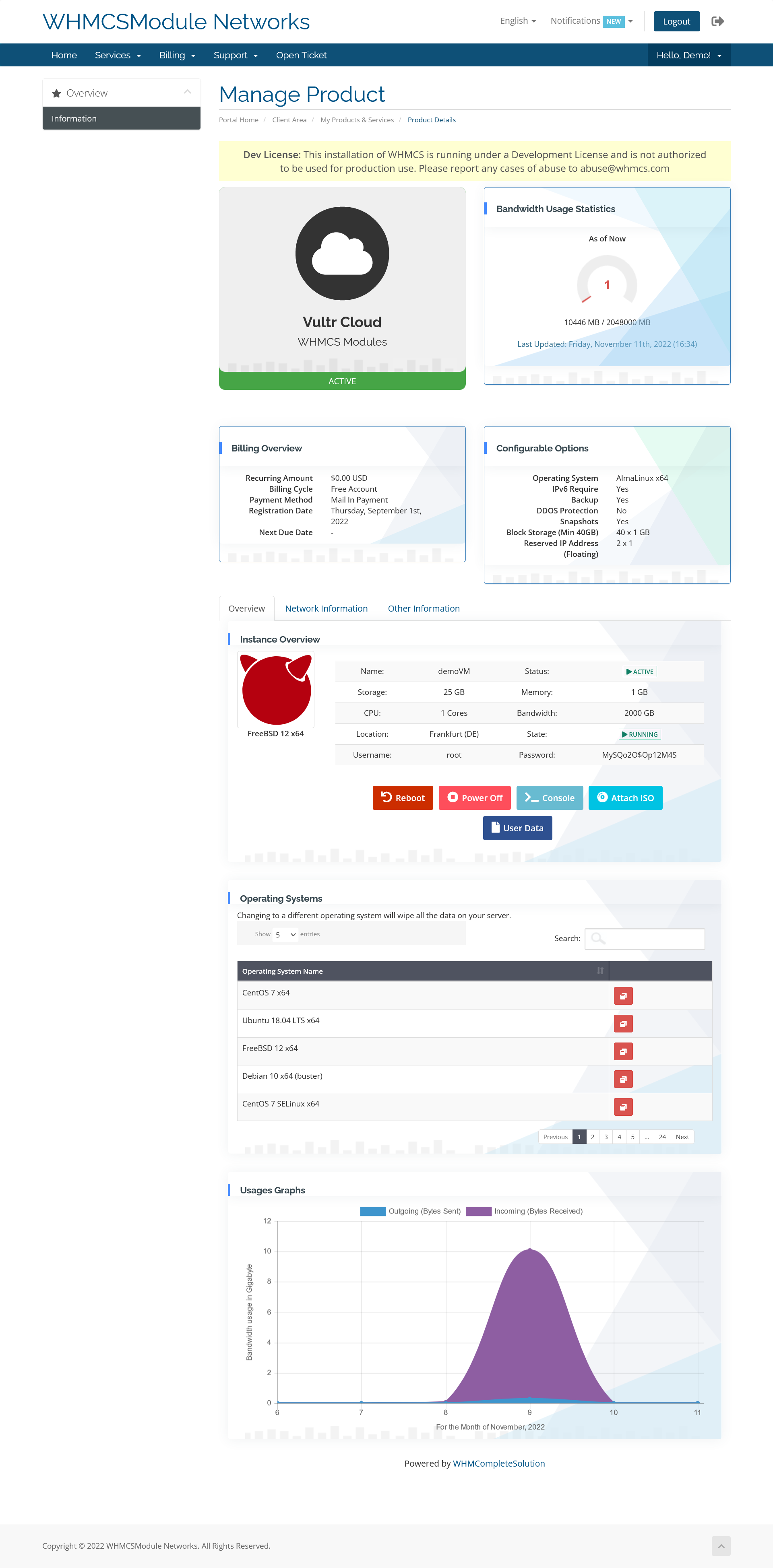
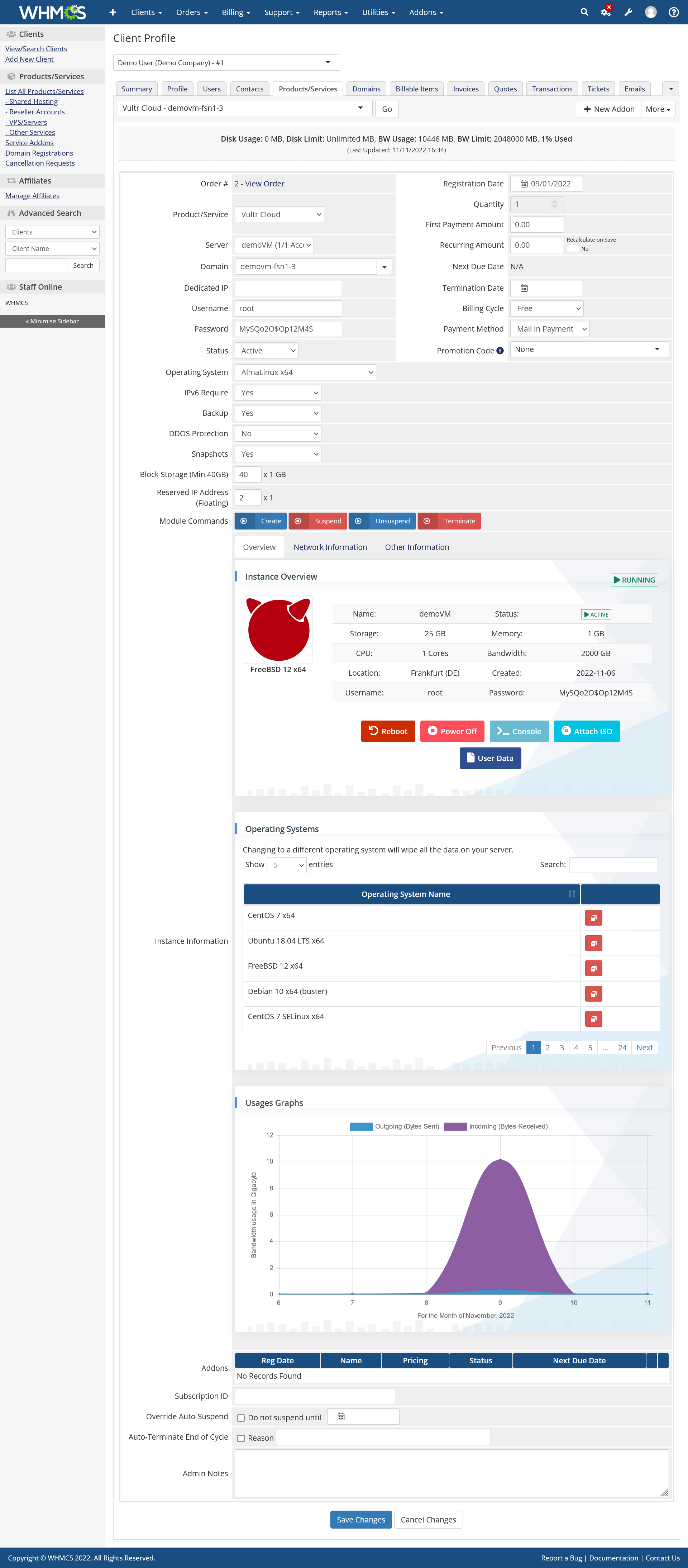
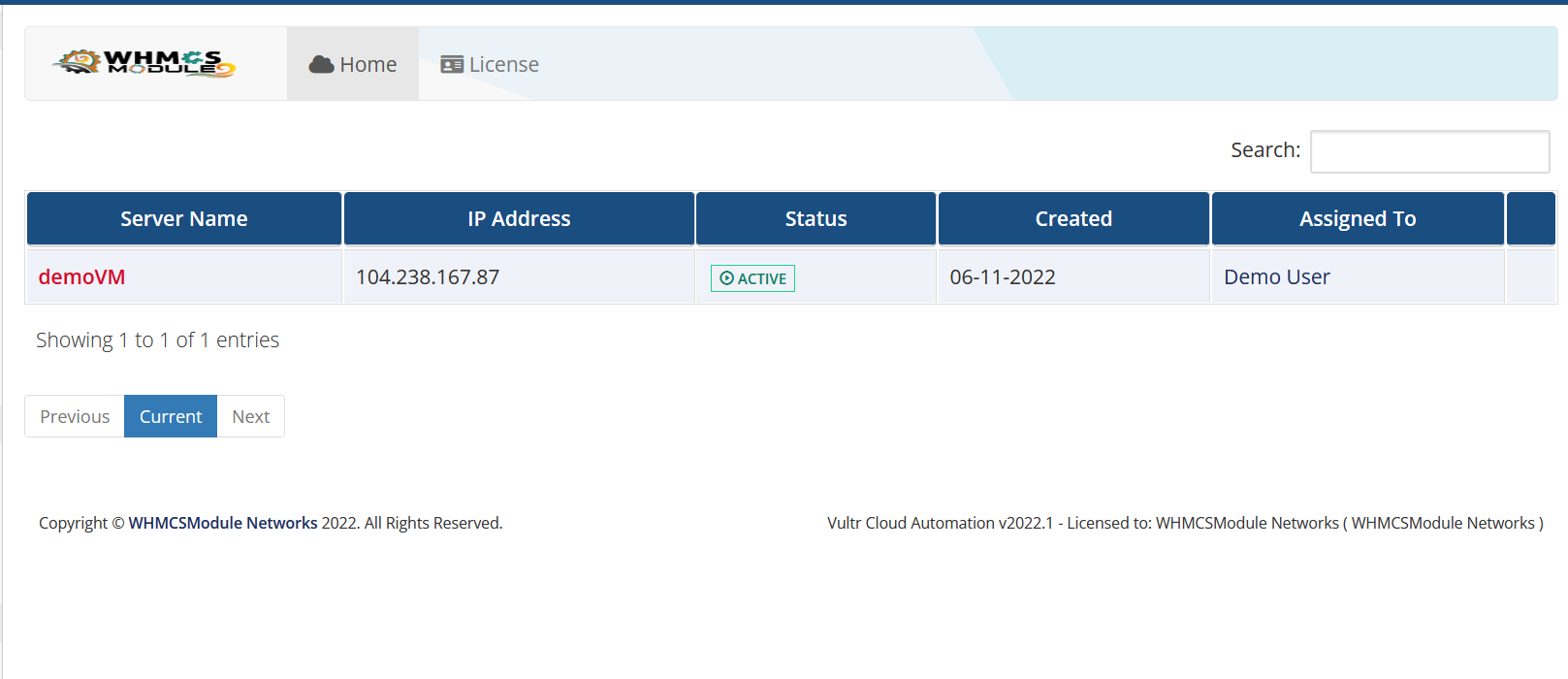
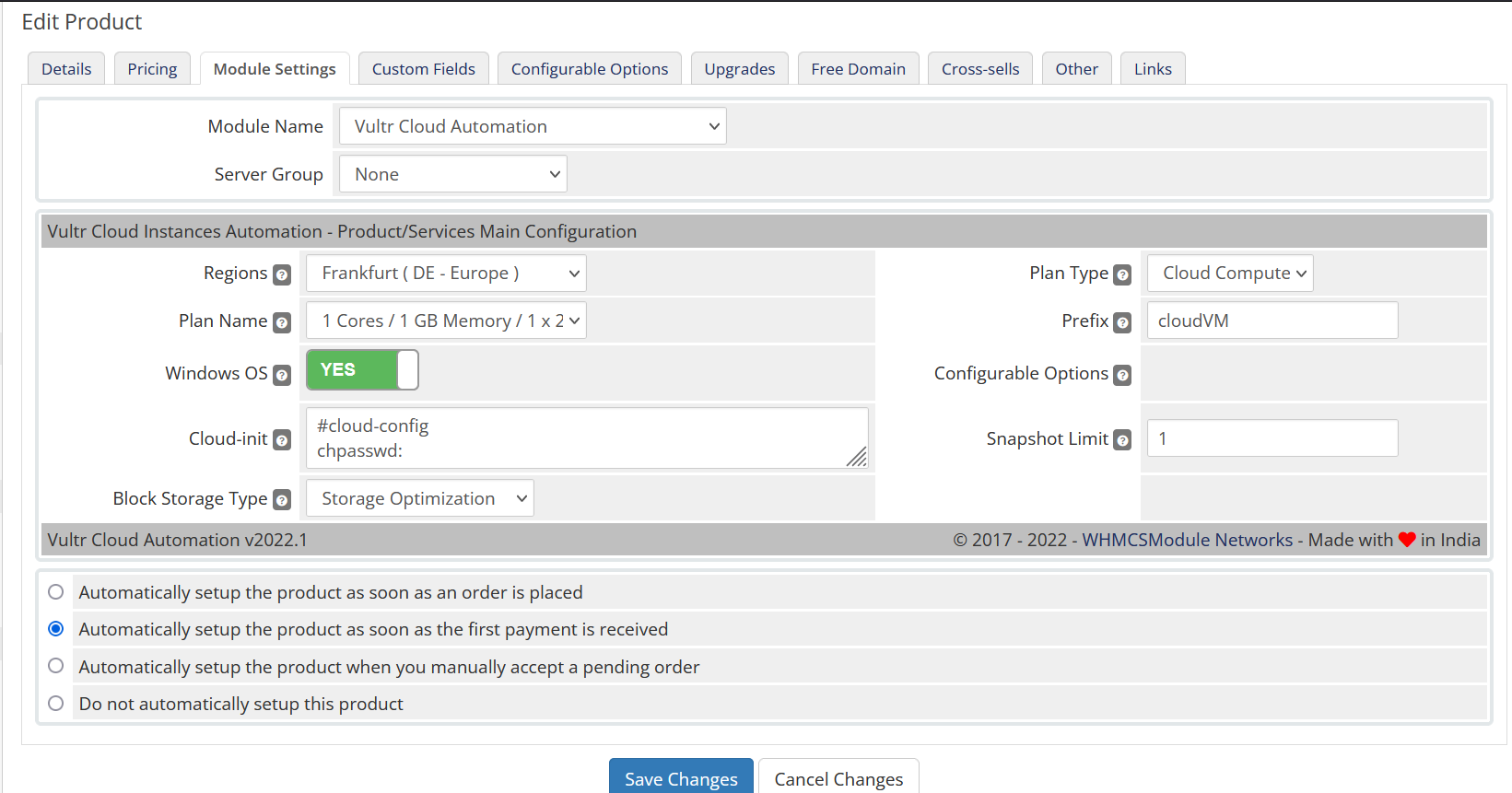
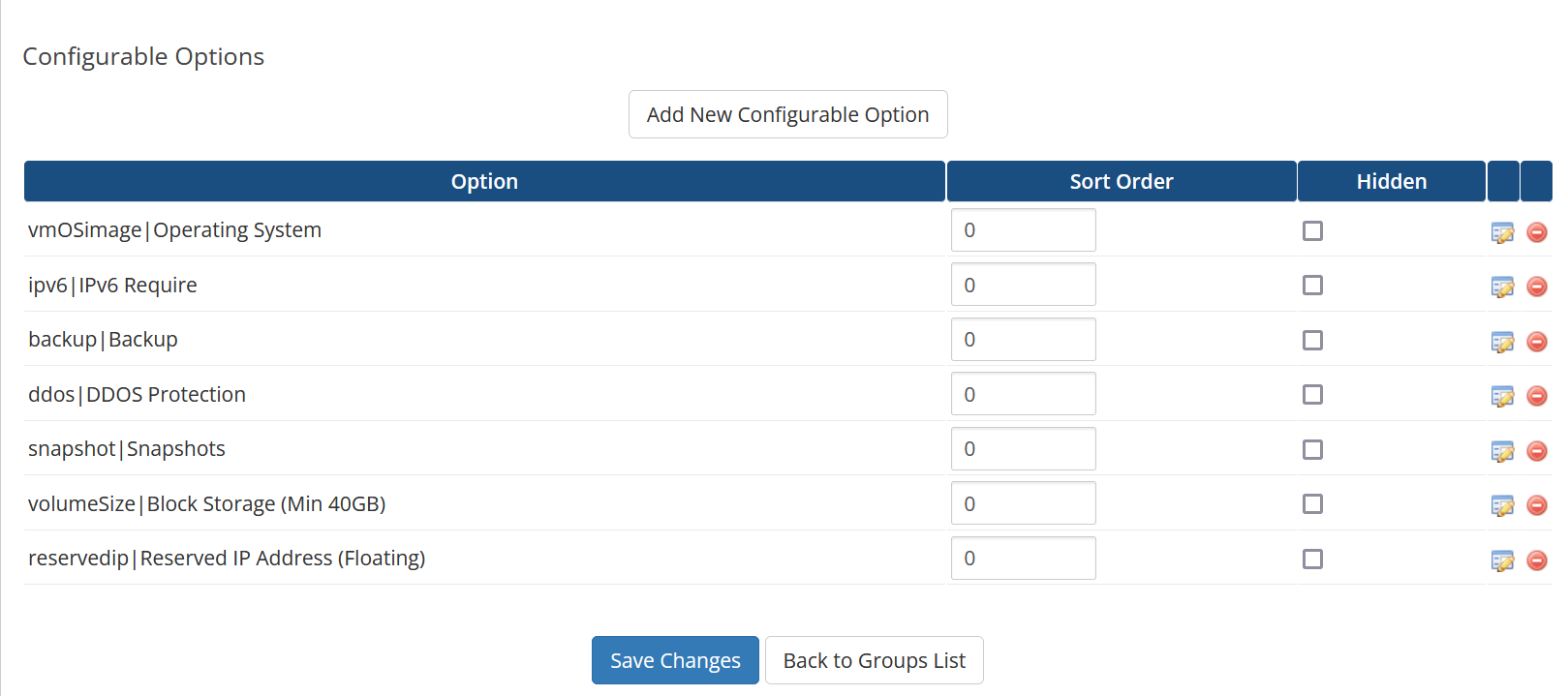
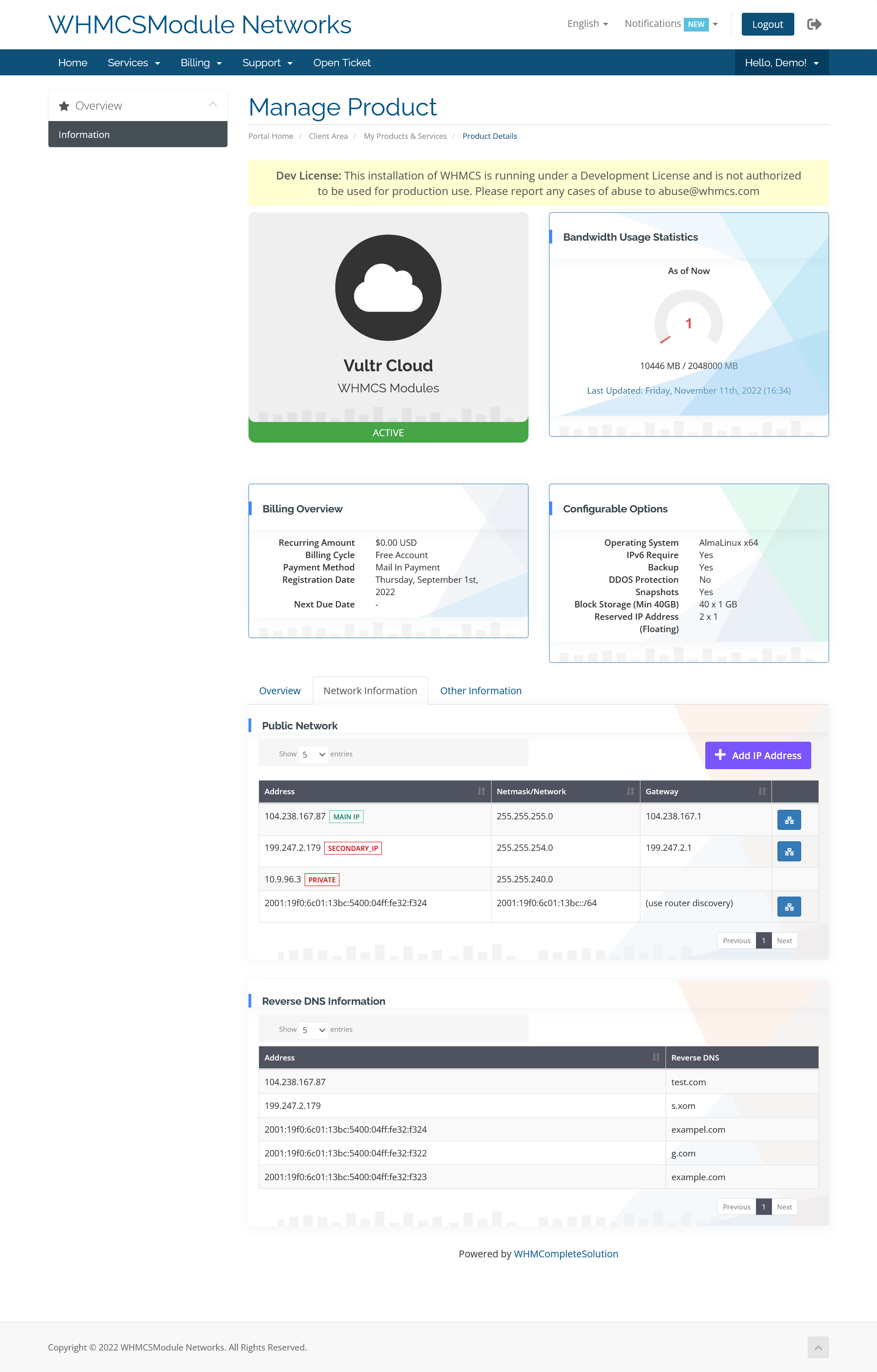
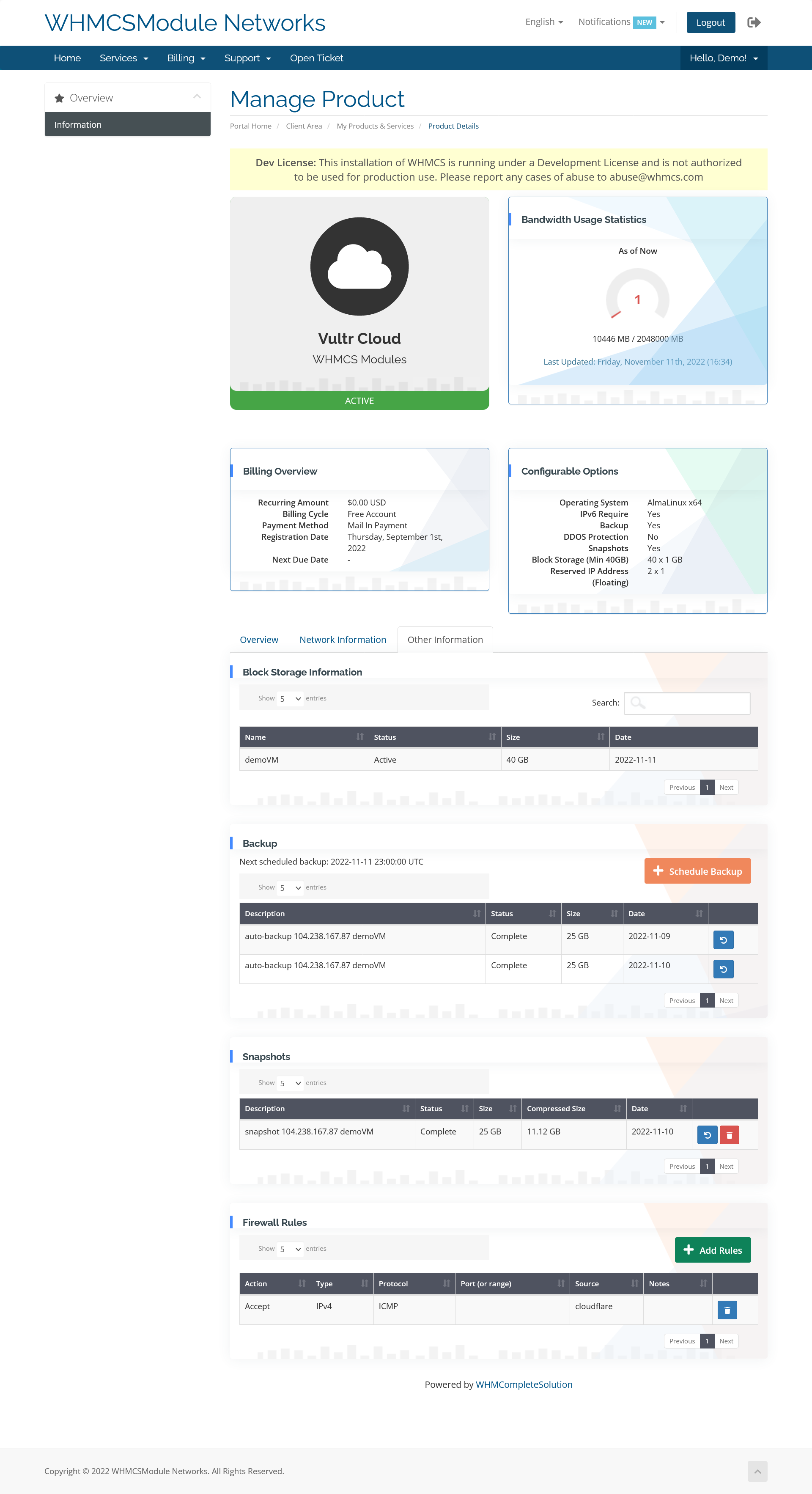
Automating Vultr Cloud VPS provisioning, reboots, OS reinstalls, and snapshot backups reduces support tickets in WHMCS.
Complete Vultr Cloud VPS API v1 provisioning & management suite for WHMCS.
Instantly deploy Vultr Cloud VPS instances upon WHMCS invoice payment with auto-suspension.
Clients can power on, power off, soft reboot, and hard shutdown their Vultr Cloud VPS with 1-click controls.
Rebuild cloud instances with Ubuntu, Debian, AlmaLinux, Rocky Linux, or custom templates inside WHMCS.
Create manual cloud snapshots and enable automated weekly Vultr backups from WHMCS.
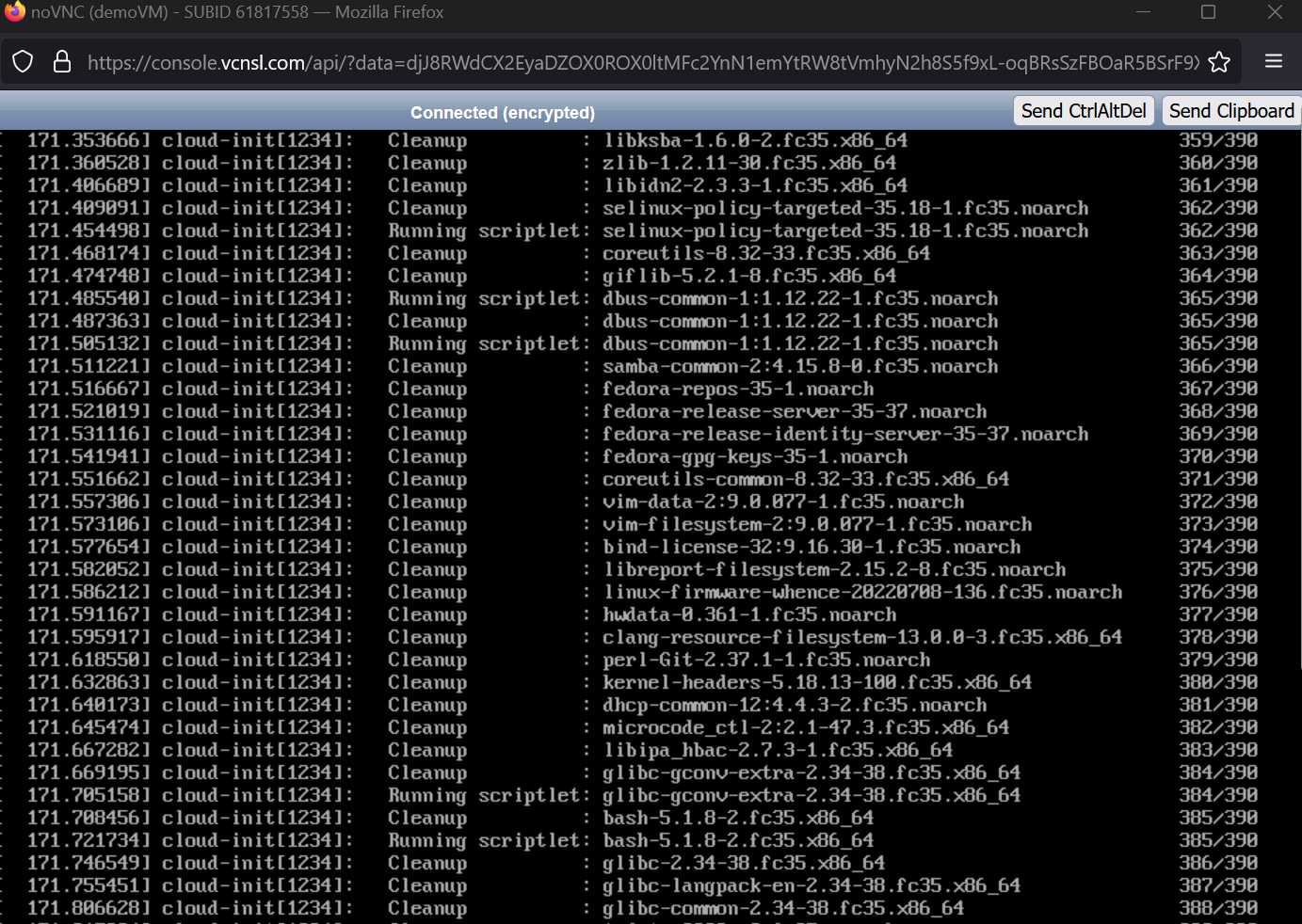
Out-of-band HTML5 web VNC console access for emergency server recovery without SSH access.
Track live CPU usage, RAM utilization, disk I/O, and monthly bandwidth traffic graph analytics.
See how our WHMCS module enables multi-tenant Vultr Cloud VPS client self-service.
| Feature / Capability | Manual Setup | Vultr Cloud VPS for WHMCS |
|---|---|---|
| Automated Cloud VM Provisioning Instant VM creation via Vultr Cloud VPS API v1. | Manual Setup | 100% Automated API |
| Snapshot & Backup Manager Create on-demand snapshots & restore points in WHMCS. | No Client Snapshots | Full Snapshot Manager |
| HTML5 Emergency VNC Console Out-of-band web VNC console inside WHMCS. | No VNC Access | Instant VNC Console |
Full compatibility specifications for WHMCS environments, Vultr Cloud VPS API, PHP runtimes, and licensing terms.
Quick answers to common questions about Vultr Cloud VPS API integration and WHMCS compatibility.
The module connects to Vultr Cloud VPS API v1 using your API Token, enabling instant automated cloud instance provisioning and control in WHMCS.
Yes, free installation support is included with your purchase. Our technical team is available to assist via ticket.
Review our license terms, compatibility notes, and support policies.
There is No Refund Policy on module licenses — onetime or yearly. Modules are non-tangible, non-returnable goods. Refunds are not issued once the order is finalized and the product is activated.
If you face any issue with installation, open a support ticket, email us, or talk to us via live chat. We're here to help before and after purchase.
Modules are developed against the latest stable WHMCS version. LTS versions of WHMCS are not supported. Supports WHMCS 8.x & 9.x Ready with PHP 8.2 & PHP 8.3 Encoded encoded files.
Module purchase is restricted for websites using Nulled WHMCS. Nulled WHMCS users will be considered as Fraud. Sign up with a Valid Email ID from your Top Level Domain.
An Order Confirmation mail will be sent to your Email ID. Once the mail is verified the order will be processed. Otherwise the order will be deleted without notice.
If you face a "response can not be decoded" error, upgrade your cURL to 7.30 or above. If WHMCS shows a non-compatible encoded file warning, just ignore the message.